
Navigate this article
Introduction
Shopping for a gaming laptop has never been easy, especially if you're trying to stay around the $1,000 mark. Of course, price isn't everything. Some RTX 5060 laptops prioritize portability, while others focus on squeezing every bit of performance from the GPU. Display quality, processor choice, thermals, battery life, and upgradeability can all make a bigger difference than you might expect.
In this guide, we'll compare the four cheapest RTX 5060 gaming laptops you can buy in 2026. We'll break down their specifications, highlight their strengths and weaknesses, and help you decide which one offers the best value for your budget.
What to Look for When Buying a Gaming Laptop (2026 Buyers Guide)
The gaming laptop market right now is an absolute minefield. Find out what you need to look for when buying a gaming laptop in 2026.
Read article →
What Is the RTX 5060 Laptop GPU, Actually?
Before jumping into the picks, let's quickly cover what this GPU is.
The NVIDIA GeForce RTX 5060 Laptop is built on the Blackwell architecture, based on the GB206 chip. It packs 3,328 CUDA cores, 8GB of GDDR7 memory on a 128-bit bus, and native support for DLSS 4 Multi Frame Generation, which can multiply your frame rate significantly in supported games.
In synthetic benchmarks, it generally trades blows with the old RTX 4070 Laptop in raw rasterization. But with DLSS 4 enabled, the generational leap becomes much more pronounced. For 1080p gaming, this GPU is more than enough. At 1440p, it's capable with DLSS handling the heavy lifting.
One honest caveat: 8GB of VRAM is already getting tight in some modern titles. It's fine for most games in 2026, but it's worth keeping in mind for long-term future-proofing.
4 Cheapest RTX 5060 Gaming Laptops in 2026 at a Glance
| Laptop | GPU | CPU | RAM | Storage | Display | Price | Link |
|---|---|---|---|---|---|---|---|
| MSI Cyborg 15 | RTX 5060 8GB | Intel Core 5-210H | 16GB DDR5 | 512GB SSD | 15.6" FHD 1080p, 144Hz IPS-level | $999 | Check Price |
| Acer Nitro V 15 | RTX 5060 8GB GDDR6 | Intel Core i7-13620H | 16GB DDR5 | 1TB SSD | 15.6" FHD 1080p, 165Hz IPS | $1,049.99 | Check Price |
| ASUS V16 | RTX 5060 8GB GDDR7 | Intel Core 7 240H | 16GB DDR5 | 512GB SSD | 16" WUXGA 144Hz 16:10 | $1,079.99 | Check Price |
| HP Victus 15 | RTX 5060 8GB GDDR7 | AMD Ryzen AI 7 350 | 16GB DDR5-5600 | 1TB SSD | 15.6" FHD IPS Anti-Glare, 144Hz | $1,184.95 | Check Price |
MSI Cyborg 15
Best for: Students, commuters, and anyone who wants a real gaming laptop that won't crush their back
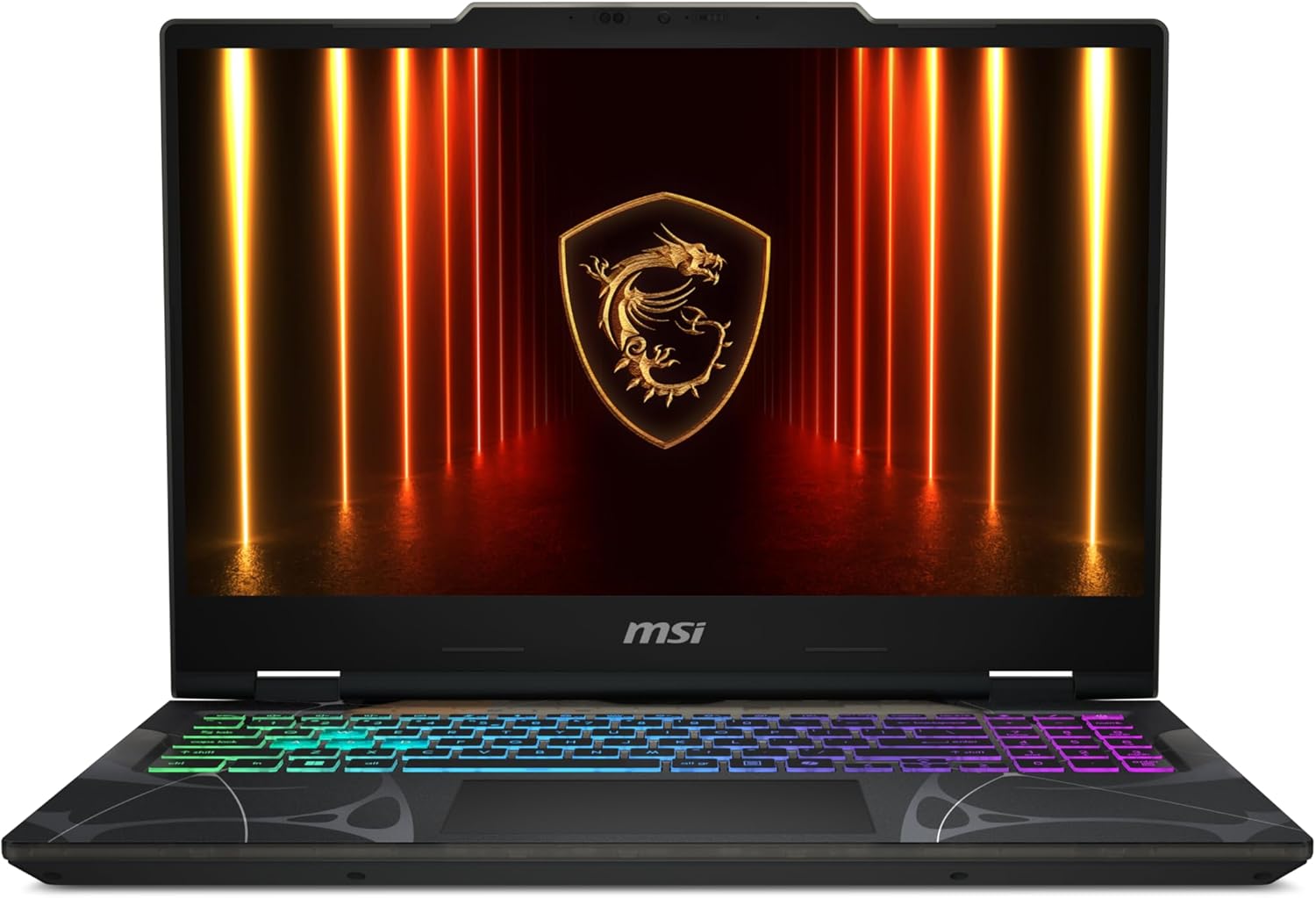
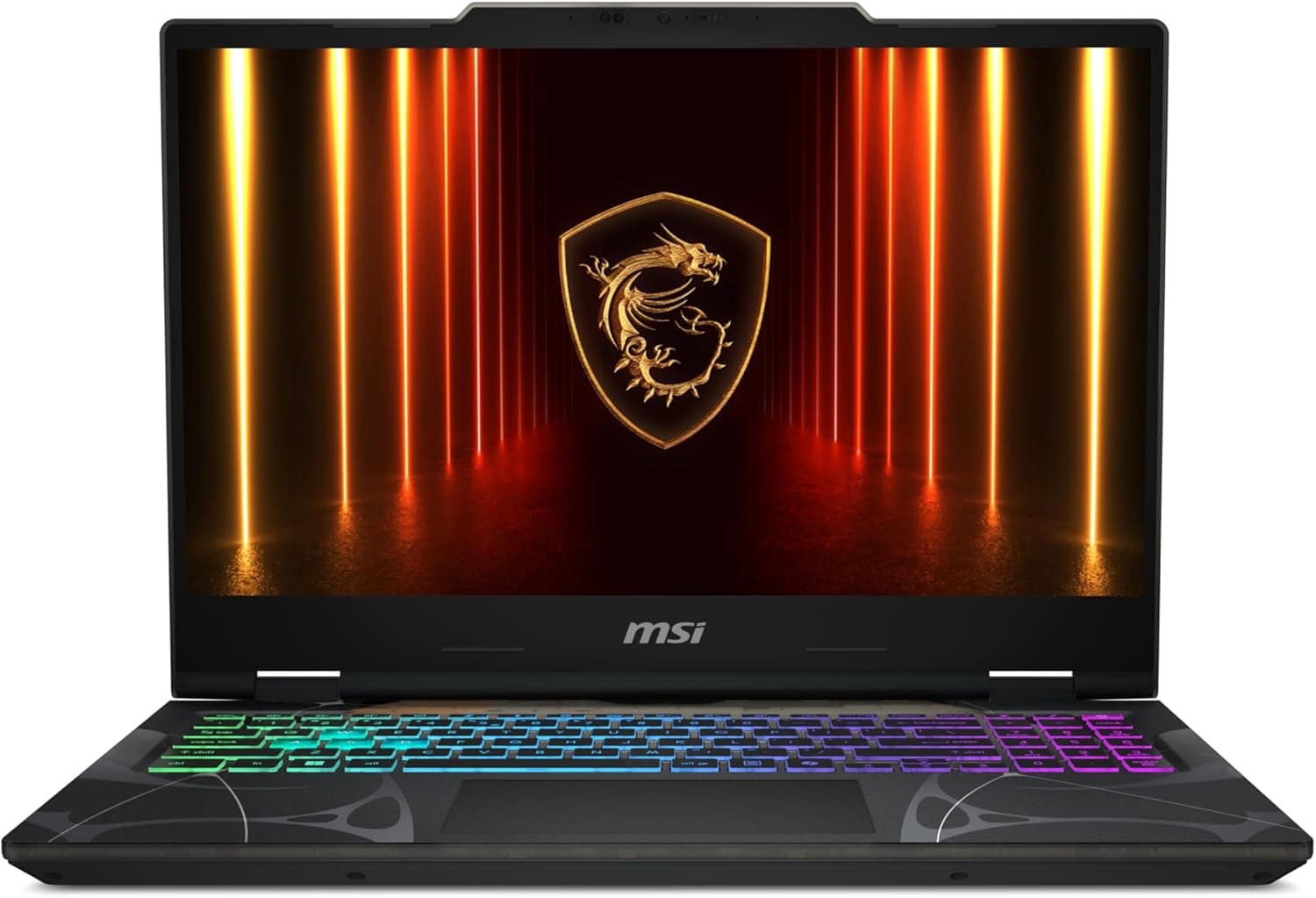
This is the most affordable RTX 5060 gaming laptop on this list, and honestly, it does a lot right for the price.
The MSI Cyborg 15 has become one of the more recognizable budget gaming laptops in recent years, and the 2025 refresh keeps that translucent cyberpunk chassis that makes it look way more expensive than it is. If you want something that doesn't look like every other black slab on the shelf, the Cyborg 15 has genuine visual personality.
At 4.3 lbs and 0.87 inches thin, this is genuinely portable for a gaming laptop. It's the kind of machine you can throw in a backpack without noticing it's there.
Key Specifications
| Specification | Details |
|---|---|
| Price | $999 |
| Display | 15.6" FHD 1080p, 144Hz IPS-level |
| Processor | Intel Core 5-210H (up to 4.8GHz) |
| Graphics | NVIDIA GeForce RTX 5060, 8GB |
| Memory | 16GB DDR5-5600 (2x SO-DIMM, upgradeable to 96GB) |
| Storage | 512GB PCIe Gen 4 SSD |
| Weight | 4.3 lbs (1.95 kg) |
| Battery | 55.2Wh |
| Connectivity | Wi-Fi 6E, Bluetooth 5.3, USB-C, HDMI, USB 3.2 Gen 2, RJ45 |
MSI Gaming Laptop Guide 2026: Titan vs Raider vs Stealth vs Katana Explained
MSI has completely overhauled their 2026 lineup, pruning the chaos to focus on Titan, Raider, Stealth, and Katana. This guide cuts through the marketing fluff to reveal the raw performance hubs.
Read article →
Pros
- The design is a standout. The translucent chassis with mech-inspired patterns genuinely looks cool, and the build quality is solid for the price range.
- MSI deserves credit for the 180-degree hinge opening angle too.
- DDR5-5600 RAM is a nice touch, and Wi-Fi 6E puts it ahead of several competitors on wireless connectivity.
- Gaming performance at 1080p is legitimate. The 144Hz panel pairs well with the GPU, and competitive titles run very smoothly. Reviews have noted counter-strike-level frame rates well north of 100fps.
Cons
- Here's the honest part. The RTX 5060 in the Cyborg 15 runs at around 54-55 watts TGP. That's on the low end for this GPU, and independent reviews have confirmed this makes it roughly 20% slower than RTX 5060 implementations in more aggressively cooled machines. MSI made that tradeoff to keep the chassis thin, light, and cool, and it works, but you should know you're not getting a full-fat 5060.
- The battery life is also a real weakness. You're looking at around 3 hours of real-world use, which is noticeably worse than the competition in this segment. If you're buying this for class or the office, plan on keeping it plugged in.
- The Intel Core 5-210H is also a lower-tier processor than what some rivals offer at similar or slightly higher prices. It's competent, but won't wow you in CPU-heavy creative workloads.
Why It Stands Out
The design is a standout. The translucent chassis with mech-inspired patterns genuinely looks cool, and the build quality is solid for the price range. MSI deserves credit for the 180-degree hinge opening angle too. DDR5-5600 RAM is a nice touch, and Wi-Fi 6E puts it ahead of several competitors on wireless connectivity.
Gaming performance at 1080p is legitimate. The 144Hz panel pairs well with the GPU, and competitive titles run very smoothly. Reviews have noted counter-strike-level frame rates well north of 100fps.
Who Should Buy It?
Students, commuters, and anyone who wants a real gaming laptop that won't crush their back.
Bottom line: The cheapest way into an RTX 5060 laptop, with a genuinely cool design and portable form factor. Just know the GPU is power-capped and the battery is short. Great for gaming on a tight budget.
Acer Nitro V 15
Best for: Value hunters who want solid 1080p performance and a faster refresh rate

Acer's Nitro V 15 has consistently been one of the go-to recommendations in the budget gaming laptop space, and the RTX 5060 version makes a strong case for itself at just under $1,050.
The extra $50 over the MSI Cyborg gets you a more capable processor and a faster display, which for most people is a worthwhile trade.
Key Specifications
| Specification | Details |
|---|---|
| Price | $1,049.99 |
| Display | 15.6" FHD 1080p, 165Hz IPS |
| Processor | Intel Core i7-13620H (10-core, up to 4.9GHz) |
| Graphics | NVIDIA GeForce RTX 5060, 8GB GDDR6 |
| Memory | 16GB DDR5 |
| Storage | 1TB PCIe Gen 4 NVMe SSD |
| Weight | 4.7 lbs (2.13 kg) |
| Connectivity | Wi-Fi 6, Bluetooth 5.2, USB4, USB 3.2, HDMI, RJ45 |
Best RTX 5050 Gaming Laptops Under $1000 in 2026: Blackwell Budget Kings
Looking for a budget beast? We've rounded up the top RTX 5050 laptops that deliver incredible 1080p performance without breaking the bank.
Read article →
Pros
- The Intel Core i7-13620H is a proper 10-core processor that punches above what the price suggests. In CPU-heavy workloads and gaming scenarios where the processor matters, reviewers have noted it competes surprisingly well, even against newer chips in more expensive machines.
- The 165Hz display is the fastest panel on this list. For competitive players in games like Valorant, Apex Legends, or CS2, that extra 21Hz over 144Hz is genuinely noticeable.
- Acer also went with a 1TB SSD, which is more storage than the $999 MSI and saves you from having to upgrade immediately.
- The Nitro V 15 also packs a USB4 port, which is a connector you don't always find at this price point.
Cons
- This is a chunky machine. At 4.7 lbs, it's notably heavier than the Cyborg 15, and the design is purely utilitarian. The lid has a linear pattern that's inoffensive, but nobody is going to compliment your laptop at a coffee shop.
- Fan noise is real. Under gaming load, the Nitro V 15 gets loud enough that headphones are basically required. The fans ramp aggressively when the GPU is working, which is the cost of letting the chip breathe. If you're in a shared or quiet space, factor that in.
- The display, while fast, has been reported to cover only around 66% of the sRGB color gamut, which means colors can look a bit washed out compared to better panels. It's fine for gaming but not for anything color-sensitive.
Why It Stands Out
The Intel Core i7-13620H is a proper 10-core processor that punches above what the price suggests. In CPU-heavy workloads and gaming scenarios where the processor matters, reviewers have noted it competes surprisingly well, even against newer chips in more expensive machines.
The 165Hz display is the fastest panel on this list. For competitive players in games like Valorant, Apex Legends, or CS2, that extra 21Hz over 144Hz is genuinely noticeable. Acer also went with a 1TB SSD, which is more storage than the $999 MSI and saves you from having to upgrade immediately.
The Nitro V 15 also packs a USB4 port, which is a connector you don't always find at this price point.
Who Should Buy It?
Value hunters who want solid 1080p performance and a faster refresh rate.
Bottom line: The best all-around value on this list. More CPU muscle, a faster display, and twice the storage compared to the MSI, for only $50 more. The weight and fan noise are the trade-offs, but for 1080p gaming performance per dollar, this is hard to beat.
ASUS V16
Best for: Gamers who want a bigger, cleaner display and a more grown-up laptop design

The ASUS V16 is a bit of a sleeper pick. From the outside it looks like an office laptop, which some people actually prefer. Inside, it has a solid spec sheet for gaming, and most importantly, it has the largest display on this list.
Key Specifications
| Specification | Details |
|---|---|
| Price | $1,079.99 |
| Display | 16" WUXGA 1920x1200, 144Hz, 16:10 aspect ratio |
| Processor | Intel Core 7 240H (10-core, up to 5.2GHz) |
| Graphics | NVIDIA GeForce RTX 5060, 8GB GDDR7 |
| Memory | 16GB DDR5 |
| Storage | 512GB PCIe Gen 4 SSD |
| Battery | 63Wh |
| Weight | 4.3 lbs (1.95 kg) |
| Connectivity | Wi-Fi 6 (802.11ax), Bluetooth 5.3, USB-C, HDMI, USB-A x3 |
ASUS Gaming Laptops Explained (2026): ROG vs TUF Complete Buying Guide
Confused by the ASUS gaming laptop lineup? Learn the differences between ROG Zephyrus, Strix, and TUF and find the perfect model for your needs.
Read article →
Pros
- The 16-inch WUXGA display with a 16:10 aspect ratio is genuinely the highlight here. That extra vertical space over standard 16:9 screens makes a real difference when you're browsing, coding, or working in productivity apps alongside gaming. At 1920x1200, there's also a touch more screen real estate than 1080p, and the 144Hz keeps gaming smooth.
- The Intel Core 7 240H is a solid mid-range processor, and at 4.3 lbs the V16 is one of the lighter options on this list despite being a 16-inch machine.
- The 63Wh battery is also the largest on this list, which should translate to better unplugged longevity compared to the Cyborg 15 and Nitro V 15.
- The clean, minimal design actually works in its favor if you use this machine for work or school and don't want it to scream 'gamer' in every meeting.
Cons
- One honest performance flag here: independent testing has found the RTX 5060 implementation in the ASUS V16 to be among the slower examples of this GPU in the segment. The power limit keeps it conservative, which means GPU-heavy benchmarks come in below what other RTX 5060 laptops put up. It's still a capable 1080p gaming machine, but if raw GPU firepower is your priority, the Acer Nitro V 15 might surprise you more.
- The display color gamut is also a weak point, with reviewers noting the 45% NTSC coverage makes colors appear somewhat washed out. Purely fine for gaming, genuinely bad for color-critical work.
- Storage is only 512GB, which is on the tight side for a modern game library. Budget for an external drive or an upgrade down the road.
Why It Stands Out
The 16-inch WUXGA display with a 16:10 aspect ratio is genuinely the highlight here. That extra vertical space over standard 16:9 screens makes a real difference when you're browsing, coding, or working in productivity apps alongside gaming. At 1920x1200, there's also a touch more screen real estate than 1080p, and the 144Hz keeps gaming smooth.
The Intel Core 7 240H is a solid mid-range processor, and at 4.3 lbs the V16 is one of the lighter options on this list despite being a 16-inch machine. The 63Wh battery is also the largest on this list, which should translate to better unplugged longevity compared to the Cyborg 15 and Nitro V 15.
The clean, minimal design actually works in its favor if you use this machine for work or school and don't want it to scream "gamer" in every meeting.
Who Should Buy It?
Gamers who want a bigger, cleaner display and a more grown-up laptop design.
Bottom line: Great pick if you want a bigger screen, a lighter chassis for a 16-inch machine, and a design that works in professional settings as much as gaming ones. The power-capped GPU is worth knowing about, but for most casual to moderate gamers at 1080p, it's a non-issue.
HP Victus 15
Best for: AMD fans and anyone who wants the most complete out-of-the-box package

The HP Victus 15 is the most expensive laptop on this list, and it's also the only one with an AMD processor. Whether that's a selling point depends entirely on you.
HP has kept the Victus line looking clean and minimal for a few years now. There's no aggressive gamer aesthetic here, which continues to be a matter of taste.
Key Specifications
| Specification | Details |
|---|---|
| Price | $1,184.95 |
| Display | 15.6" FHD IPS Anti-Glare, 144Hz |
| Processor | AMD Ryzen AI 7 350 (8-core, up to 5.0GHz) |
| Graphics | NVIDIA GeForce RTX 5060, 8GB GDDR7 |
| Memory | 16GB DDR5-5600 |
| Storage | 1TB PCIe Gen 4 NVMe SSD |
| Weight | 5.06 lbs (2.30 kg) |
| Battery | 55Wh |
| Connectivity | Wi-Fi 6E, Bluetooth 5.3, Gigabit LAN, HDMI |
HP Gaming Laptop Guide 2026: Omen vs Victus Explained + Best Picks
HP's 2026 gaming laptop lineup features the new RTX 50 series GPUs and advanced Ryzen AI processors. This guide breaks down the Omen and Victus models to help you find the right fit.
Read article →
Pros
- The AMD Ryzen AI 7 350 is part of AMD's Ryzen AI 300 series, which brings solid performance and a dedicated AI engine with up to 50 TOPS. For tasks like video conferencing, productivity apps with AI features, and general efficiency, AMD's latest generation is genuinely competitive.
- HP pairs the chip with a 1TB SSD, which matches the Acer Nitro V 15 for storage and gives you room for a real game library.
- The anti-glare matte IPS display is a nice practical touch for use in brighter environments.
Cons
- HP caps the GPU at around 80 watts in combined CPU and GPU workloads. That restriction means the Victus delivers roughly 7 to 20% less GPU performance compared to less thermally constrained RTX 5060 laptops. For the most expensive machine on this list, that's a legitimate concern.
- At 5.06 lbs, the Victus is also the heaviest laptop here. That's not dramatically heavy for a 15.6-inch gaming laptop, but it is noticeable compared to the Cyborg 15 or the ASUS V16.
- The display brightness tops out at 300 nits, and color gamut coverage is reported around 62% sRGB, which is typical at this price point but not impressive.
Why It Stands Out
The AMD Ryzen AI 7 350 is part of AMD's Ryzen AI 300 series, which brings solid performance and a dedicated AI engine with up to 50 TOPS. For tasks like video conferencing, productivity apps with AI features, and general efficiency, AMD's latest generation is genuinely competitive.
HP pairs the chip with a 1TB SSD, which matches the Acer Nitro V 15 for storage and gives you room for a real game library. The anti-glare matte IPS display is a nice practical touch for use in brighter environments.
Who Should Buy It?
AMD fans and anyone who wants the most complete out-of-the-box package.
Bottom line: A solid choice if you want AMD's latest CPU, a 1TB drive, Wi-Fi 6E, and a clean no-nonsense design. The higher price is harder to justify when the GPU is more restricted than what you'd find in other RTX 5060 machines. Go for it if the Ryzen AI platform matters to you specifically, or if you find it on sale.
Which Gaming Laptop Should You Buy?
If you're still undecided, here's a quick breakdown:
- If budget is your only concern: MSI Cyborg 15 at $999. Accept the power-capped GPU and short battery, enjoy the design.
- If you want the best value overall: Acer Nitro V 15 at $1,049.99. More CPU, faster display, bigger SSD, for $50 more.
- If you want a bigger screen and a clean design: ASUS V16 at $1,079.99. The 16-inch 16:10 panel and lighter weight are genuine advantages.
- If you're team AMD or want 1TB plus Wi-Fi 6E: HP Victus 15 at $1,184.95. Know what you're paying the premium for.
Honestly, the Acer Nitro V 15 makes the most sense for the widest range of buyers. It combines a capable 10-core CPU, a 165Hz panel, 1TB of storage, and a well-regarded RTX 5060 implementation at a price that barely edges above the cheapest option. That's strong value for competitive and casual gamers alike.
FAQ
Is the RTX 5060 laptop GPU worth buying in 2026?
Yes.
For 1080p gaming at medium to high settings, the RTX 5060 is a solid choice in 2026. With DLSS 4 Multi Frame Generation enabled in supported games, frame rates jump significantly. The main concern is the 8GB VRAM, which is starting to feel tight in some demanding titles at higher settings. For most people gaming at 1080p, it holds up well.
What is the difference between the RTX 5060 laptop and desktop versions?
The laptop version of the RTX 5060 can run at a much lower wattage than the desktop card, typically between 45 and 100 watts depending on the laptop, compared to the desktop's higher and consistent power draw. That difference translates directly into performance, which is why two laptops with the same RTX 5060 GPU can feel noticeably different in real-world use.
Does the MSI Cyborg 15's power-capped GPU make it a bad deal?
Not necessarily.
If you're mainly playing esports titles, older AAA games, or anything not maxing out GPU resources, the 55W implementation still delivers smooth 1080p performance at 144Hz. Where it falls short is in the most GPU-demanding current and future games. For casual to moderate gaming on a budget, the Cyborg 15 holds up.
Can I upgrade the RAM and storage in these laptops?
Most of them, yes.
The MSI Cyborg 15 has two SO-DIMM slots and is upgradeable to 96GB RAM. The ASUS V16 also allows RAM upgrades. Storage upgrades via M.2 slots are possible on all four, though it's always worth checking how many slots are available in the specific configuration you buy.
Should I wait for a sale or buy now?
RTX 5060 laptops have already started appearing in deals, and as these machines age through 2026, prices will continue to drop. If you need a laptop now, the prices listed are reasonable for what you're getting. If you can wait a few months, there's a reasonable chance you'll see $50 to $100 knocked off, especially around major sale events like Prime Day or Black Friday.
Do all four laptops support DLSS 4?
Yes.
All four laptops feature the NVIDIA RTX 5060, which is part of the Blackwell family and supports DLSS 4 with Multi Frame Generation. This is one of the most compelling reasons to buy a 5060-series GPU over a previous-generation option at similar prices.
Which laptop has the best display?
For refresh rate, the Acer Nitro V 15 wins with its 165Hz panel. For screen size and aspect ratio, the ASUS V16 stands out with its 16-inch 16:10 WUXGA display, which offers more vertical real estate. None of the four laptops have exceptional color gamut coverage, so if display quality matters a lot to you, a higher-tier machine might be worth considering.
You May Also Like
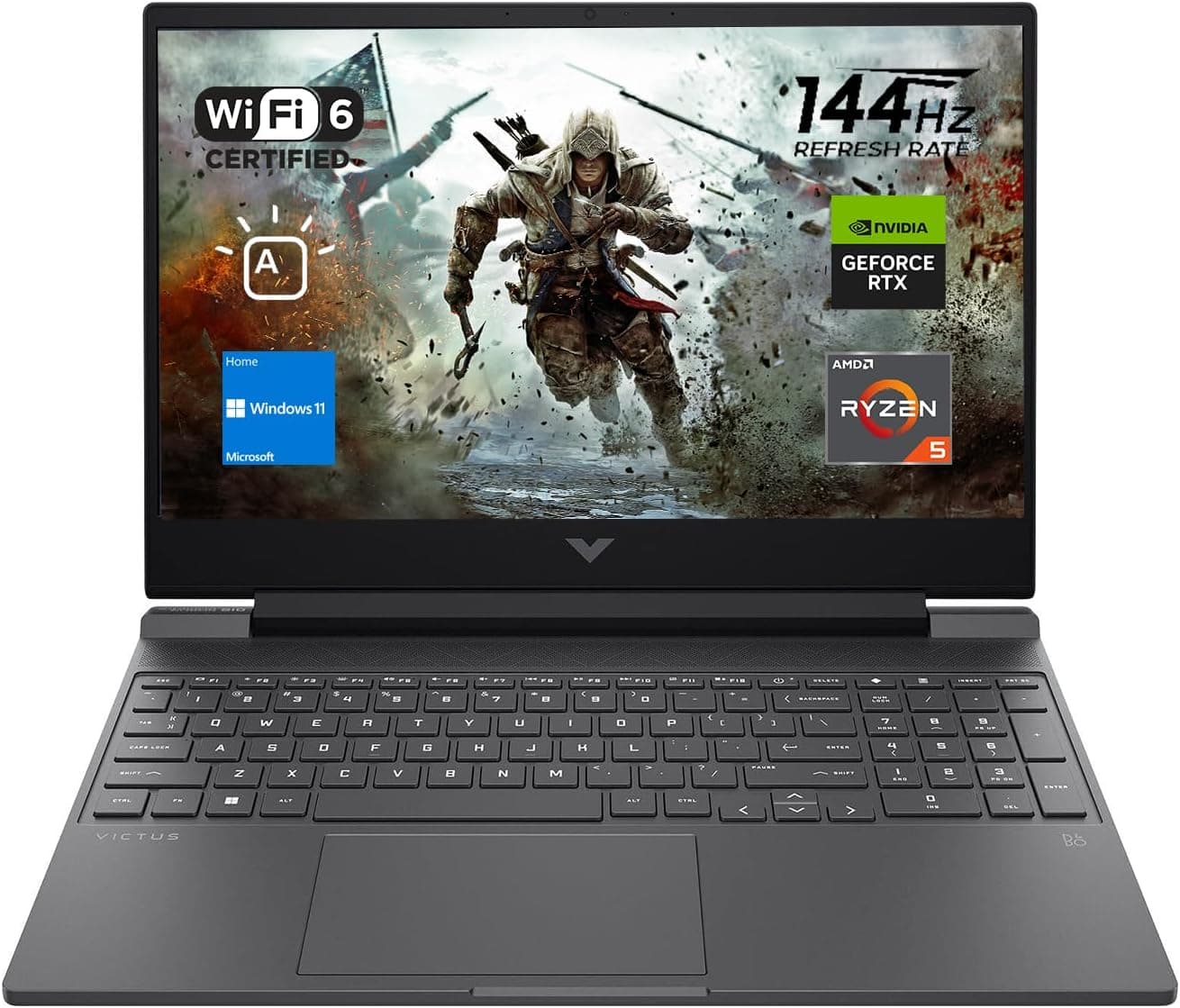
Best Gaming Laptops for College Students Under $1000 in 2026
Buying a gaming laptop for college is different from buying one purely for gaming. A college laptop needs to handle lectures, assignments, research, video calls, and productivity software during the day while still delivering solid gaming performance at night.

Best Games on Steam to Play While Working From Home
Best games on Steam to play while working from home, from cozy builders to smart card games that fit short breaks, easy pauses, and low stress sessions.
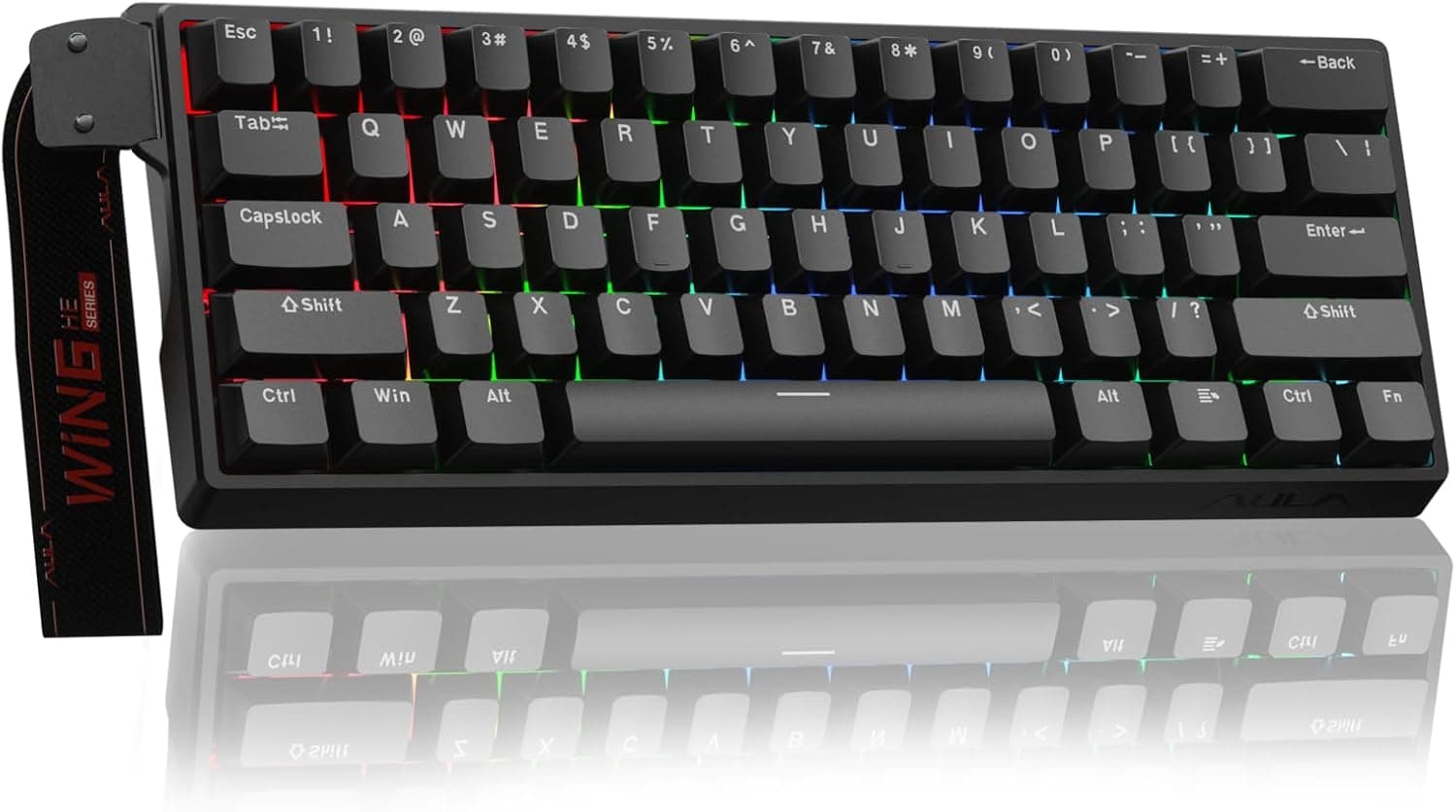
Best Budget Hall Effect Keyboards in 2026 (Under $50)
Discover the best budget Hall Effect keyboards under fifty dollars in 2026. Read our honest, in depth analysis of performance, build quality, and software features of the top six magnetic switch boards.