
Navigate this article
Introduction
Finding the best budget option in this crowded 2026 market is no longer a matter of settling for cheap plastic or subpar firmware. The budget sector has become so fiercely competitive that even entry level models now boast features like gasket mounting, PBT keycaps, and high speed wireless connectivity that were once reserved for boutique custom builds. Whether you are hunting for that specific deep and muted thock sound, or you require 8,000 Hz polling rates for competitive esports, or you simply need tri mode connectivity to handle a multi device workflow, the sub 100 dollar market in the United States is currently overflowing with high quality options.
Best Creamy Keyboards in 2026 (Budget to Premium)
Looking for the ultimate smooth and muted typing experience? Explore our comprehensive guide to the best creamy mechanical keyboards available in 2026.
Read article →
Quick Picks (TL;DR)
Navigating the technical details of these excellent keyboards can be challenging. To simplify the decision, this table provides a direct comparison of the most critical attributes.
| Keyboard | Price | Layout | Key Feature | Battery Life | Amazon Link |
|---|---|---|---|---|---|
| NuPhy Node75 | $99 | 75% | Touch gestures | ★★★★★ (1000h) | Amazon |
| Keychron KJ1 | $47.99 / $57.99 | 75% | QMK + LKP | ★★★★ | Amazon |
| Lofree Flow Lite | $89.99 | 75% | Creamy switches | ★★★ | Amazon |
| Redragon K618 PRO | $64.99 | 100% | Macro keys | ★★★ | Amazon |
1. NuPhy Node75: The Gesture King
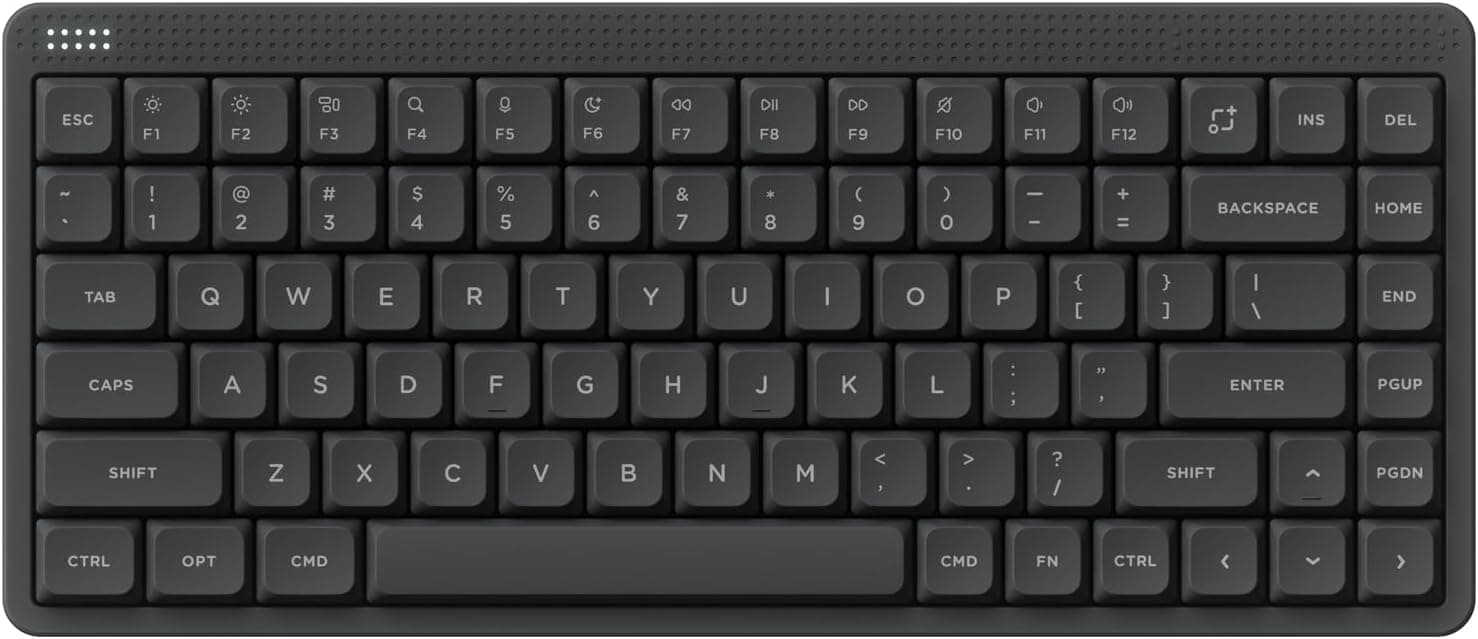
| Feature | Specification |
|---|---|
| Layout | 75% (84 keys) |
| Highlight | Gesture touch bar |
| Typing Feel | Gasket mount (Soft, bouncy) |
| Switches | Blush Nano (Silent linear) |
| Battery | 3,000 mAh (Up to 1000h) |
| Performance | 1000Hz (Wired/2.4GHz) |
Check Out the NuPhy Node75 on Amazon
Features and Performance
NuPhy has always been a bit of a disruptor in the slim keyboard space, and the Node75 is their strongest argument yet for the budget crown. This is an 84 key board with a 75 percent layout, which is widely considered the "Goldilocks" size because it keeps the function row and arrow keys without taking up your entire desk. The first thing you notice about the Node75 is that it does not look like a cheap plastic toy. It has a clean, refined aesthetic with lunar white, ink gray, or light pink color options that look professional enough for an office but stylish enough for a gaming setup.
The standout feature here is the touch bar. While other companies are still slapping clunky volume knobs on everything, NuPhy integrated a slim touch strip that supports gestures. You can swipe for volume, double tap to mute, or triple tap to skip tracks. It takes a second to get the muscle memory down, but once you do, it feels like using a high end laptop trackpad. Under the hood, this board is built for the long haul with a 1000 hour battery life when the RGB is off. That is genuinely insane for a mechanical keyboard and means you can go months without even thinking about a USB C cable.
When it comes to the actual typing feel, the Node75 uses a gasket mount design. In the past, budget boards were almost always tray mounted, which felt stiff and sounded hollow. The gasket mount in the Node75 provides a cushioned, slightly bouncy feel that makes long typing sessions much easier on your joints. Our unit came with the Blush Nano switches, which are silent linears. They are remarkably quiet, almost "marshmallowy" in their feel, making them perfect if you live with a roommate or a spouse who hates the sound of clicking keys. It also supports 1000 Hz polling on both wired and 2.4 GHz wireless modes, so your inputs register with zero noticeable delay.
The software side of things is handled by NuPhyIO, which is a web based configurator. This is a huge win for people who hate installing bloated "gaming center" apps that eat up RAM. You just open your browser, tweak your macros or lighting, and the changes save directly to the keyboard hardware. One thing to watch out for is that while it is hot swappable, it is currently optimized for Gateron low profile switches. If you try to pull the keycaps too quickly, the switches sometimes come out with them, so just be gentle when you are customizing your board.
Pros & Cons
Pros: Gesture touch bar is intuitive, massive 1000-hour battery life, silent and soft typing feel, web-based software.
Cons: Hot-swap sockets can be tight, limited to Gateron-style low-profile switches.
2. Keychron KJ1: The Customizable Value King
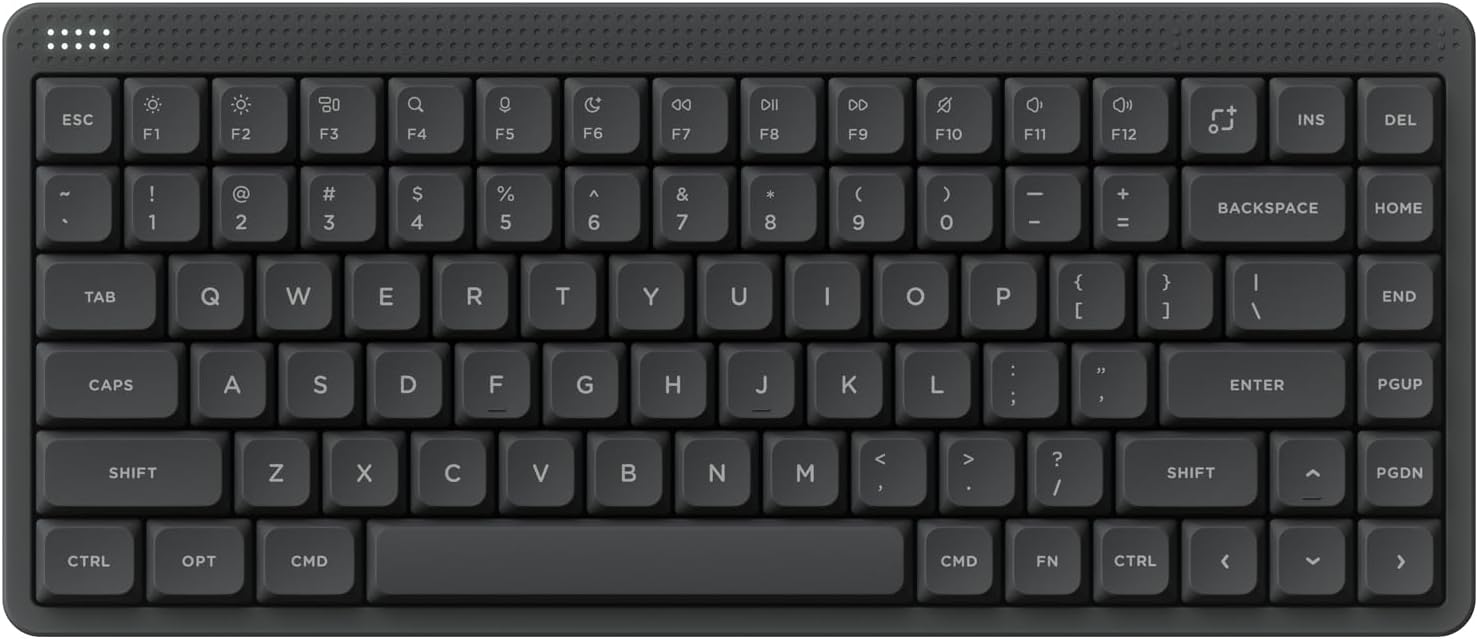
| Feature | Specification |
|---|---|
| Layout | 75% |
| Highlight | Full QMK/VIA support |
| Gaming Feature | Last Key Priority (LKP) |
| Keycaps | Double-shot PBT |
| Battery | 2,000 mAh (Up to 81h RGB on) |
| Performance | 1000Hz Wireless |
Features and Performance
If your budget is tight but your standards are high, the Keychron KJ1 is likely the best value play in the United States right now. Sitting at a price point that often dips under sixty dollars, the KJ1 is a low profile beast that refuses to act like a "budget" board. This is a 75 percent layout deck that focuses heavily on customizability and raw performance. Unlike many other entry level boards that use proprietary, locked down firmware, the KJ1 is fully empowered by QMK. This means you can remap every single key and create complex macros using the Keychron Launcher web app.
For the gamers in the room, the KJ1 has a secret weapon called Last Key Priority or LKP. This feature is a game changer for titles like Valorant or Counter Strike because it prioritizes the last key you pressed. It allows for much smoother directional changes and reduces the perceived delay when you are counter strafing. Combined with a 1000 Hz polling rate on the 2.4 GHz wireless connection, this board feels every bit as fast as a wired professional esports deck.
The build quality is surprisingly solid for the price. It uses an ABS frame, but the internal construction includes advanced IXPE acoustic foam and resilient latex foam. This layering does a great job of killing that metallic "ping" sound that plagues many cheaper mechanical boards. The typing experience is snappy, thanks to switches with a 1.3 mm actuation point. That is about 35 percent faster than a standard mechanical switch, giving you that rapid, responsive feel that low profile fans crave.
The keycaps are another high point. Keychron went with double shot PBT material, which is far superior to the cheap ABS plastic found on most budget boards. PBT keycaps are oil resistant, meaning they will not get that gross, shiny look after a few months of heavy use. They are also shine through, so the north facing RGB backlighting actually helps you see the legends in a dark room. The battery is a 2000 mAh cell, which gives you about three weeks of use with the lights off or 81 hours if you want the RGB on at a low brightness. It is not the 1000 hour monster that the NuPhy is, but for the price, it is more than fair.
Pros & Cons
Pros: Full QMK/VIA support, LKP feature for gaming, high-quality double-shot PBT keycaps, great price.
Cons: ABS frame (not metal), battery life is average compared to top-tier models.
Best Amazon Wireless Mechanical Gaming Keyboard Deals for PC and Console Gamers in 2026
Not all wireless mechanical keyboards are built the same in 2026. Some feel instant. Some feel delayed. We found the top options on Amazon that truly deliver.
Read article →
3. Lofree Flow Lite: The "Creamy" Sound Champion
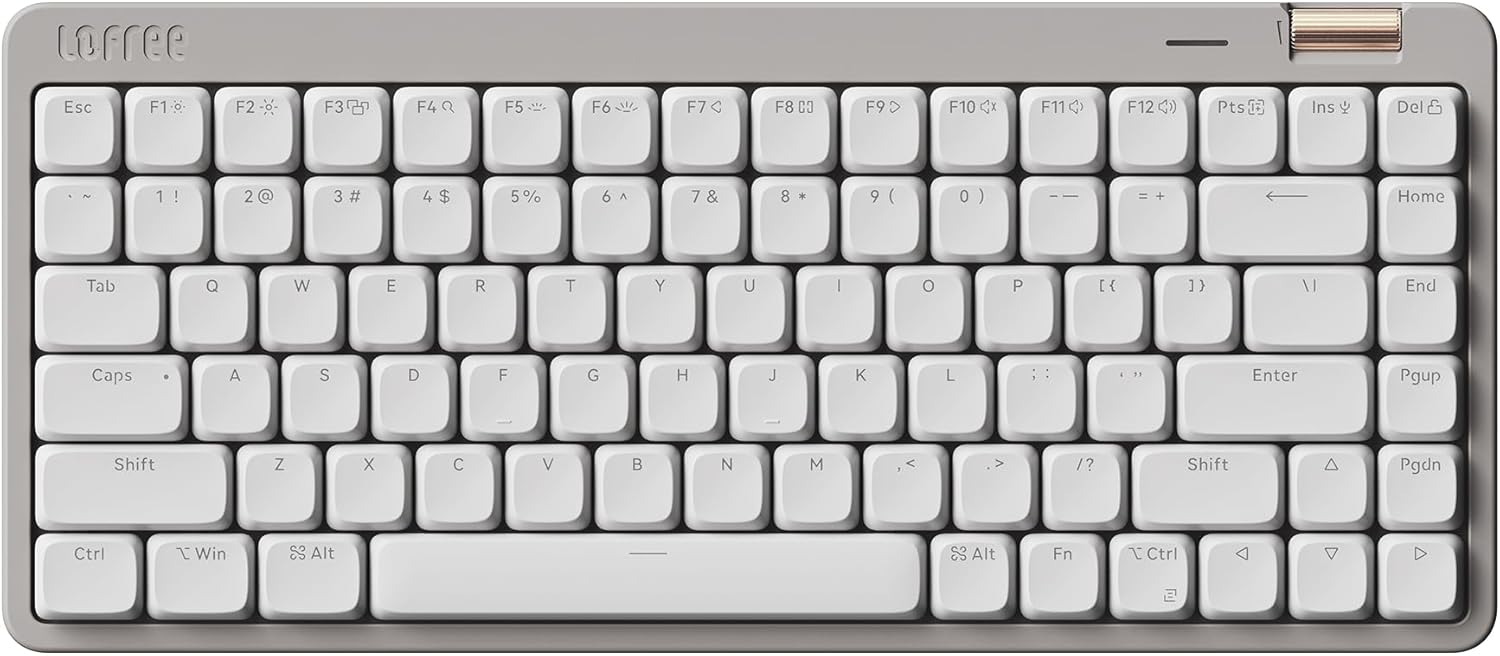
| Feature | Specification |
|---|---|
| Layout | 75% (84 keys) |
| Highlight | Kailh Specter "Creamy" switches |
| Mount | Gasket Mount |
| Connectivity | Tri-mode (BT, 2.4GHz, Wired) |
| Battery | ~80 hours |
| Extras | Aluminum roller, adjustable angles |
Check Out the Lofree Flow Lite on Amazon
Features and Performance
The Lofree Flow Lite is for the person who cares about the "vibes" as much as the specs. Lofree is known for making boards that look like pieces of art, and the Flow Lite takes that premium DNA and puts it in a more affordable, plastic body. It comes in a "Marble" colorway that looks incredibly clean on a minimalist desk. But do not let the pretty face fool you, this is a serious tool. It is an 84 key gasket mounted board that targets the smoothest possible typing experience.
What makes the Flow Lite special are the Kailh Specter switches. These are full POM switches, meaning they are naturally self lubricating and get smoother the more you use them. The actuation force was actually lowered from 50 grams to 40 grams for the Lite version. This results in an incredibly light, airy feel that is often described as "creamy" by the keyboard community. If you spend your entire day coding or writing, this is the board that will leave your fingers feeling the least fatigued at the end of the shift.
Connectivity is versatile, offering a tri mode setup with Bluetooth, 2.4 GHz wireless, and a wired USB C connection. Unlike the original Lofree Flow, the Lite version finally adds that 2.4 GHz dongle, which is a massive win for gamers who need a stable, lag free connection. There is also a physical aluminum volume roller on the top right, which feels much more tactile and reliable than the touch bar on the NuPhy. It also has flip out kickstands that give you two different typing angles, 3 or 6 degrees, which is something many slim boards strangely omit.
Pros & Cons
Pros: Exceptional "creamy" sound and feel, tactile aluminum volume roller, beautiful minimalist aesthetic, tri-mode connectivity.
Cons: PBT keycaps can show shine early, battery life is relatively short (80h).
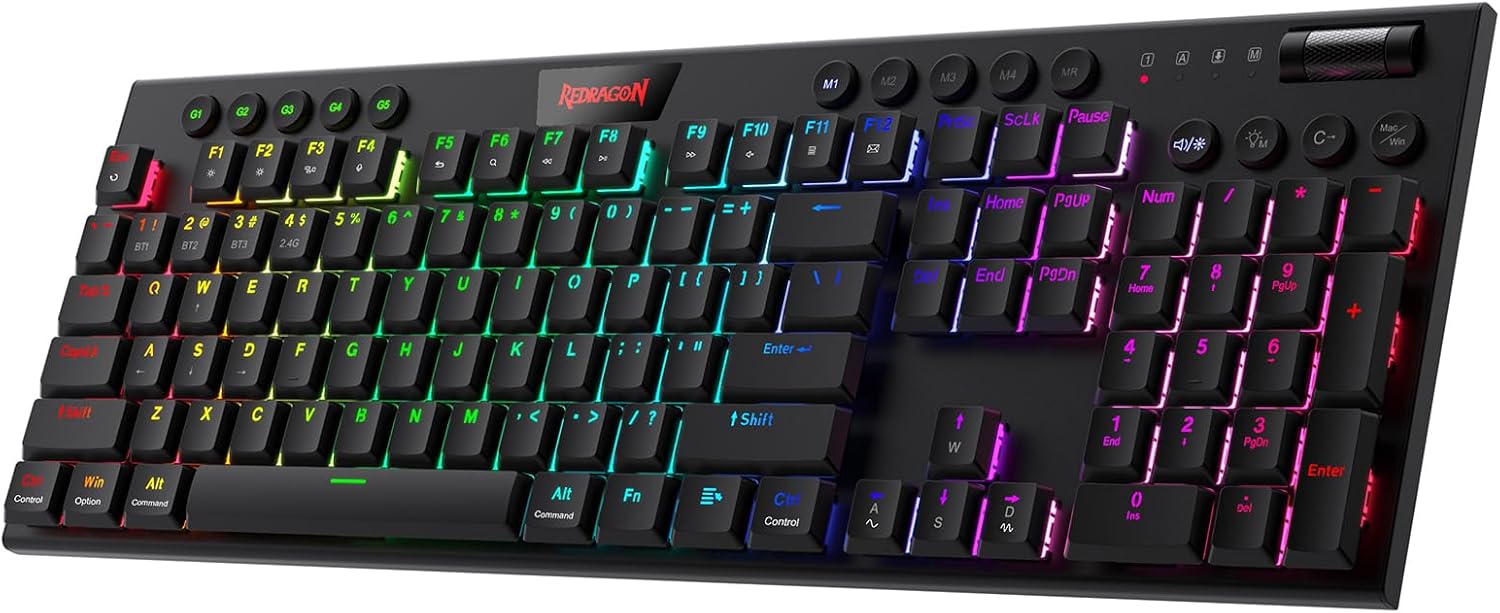
4. Redragon K618 PRO (Horus): The Full-Sized Workhorse
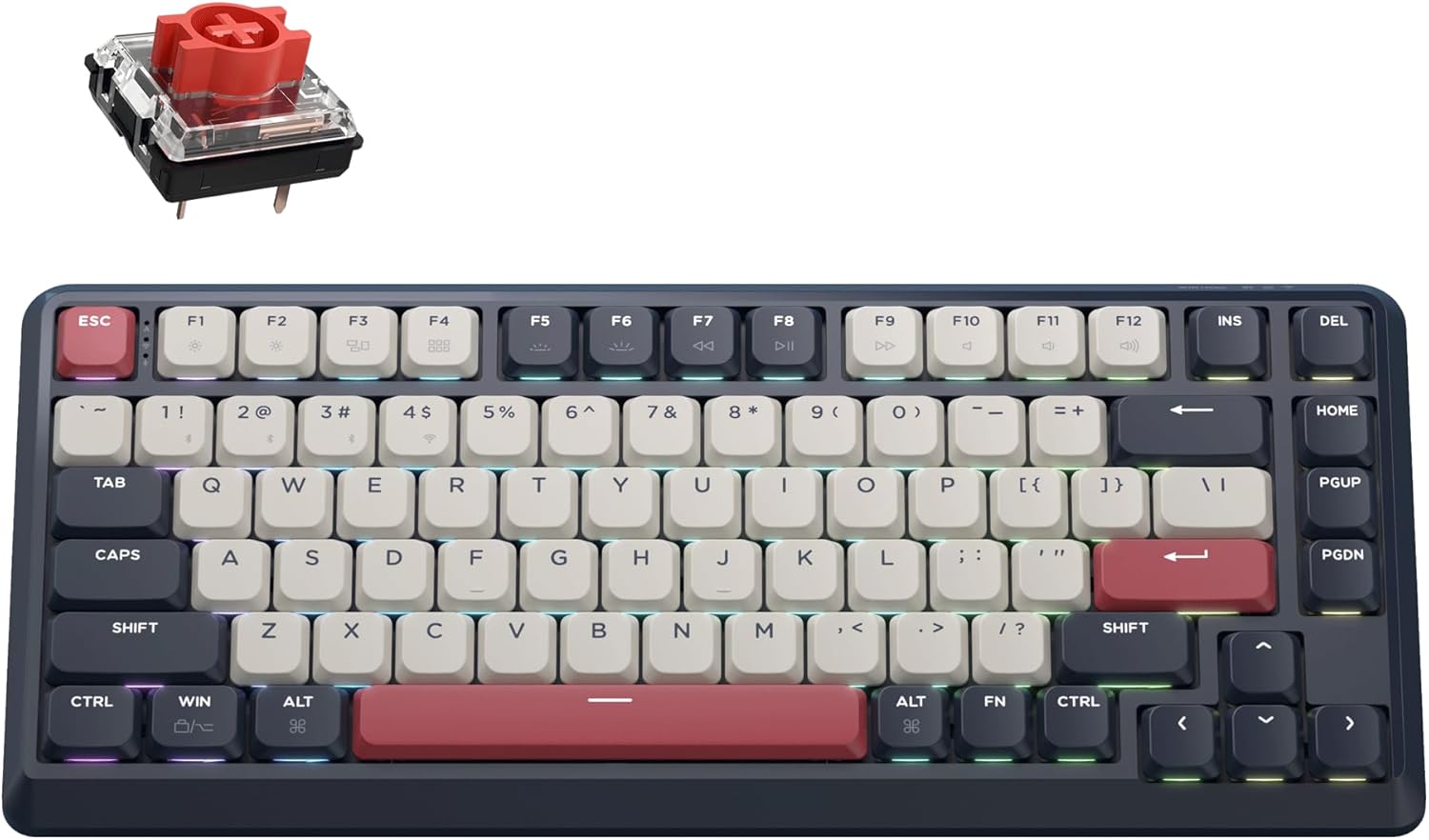
| Feature | Specification |
|---|---|
| Layout | Full-size (104 keys) |
| Highlight | 5 Macro keys + media controls |
| Build | Aluminum top plate |
| Connectivity | Tri-mode wireless |
| Battery | 1900 mAh |
| Switches | Redragon Low-profile linear |
Check Out the Redragon K618 PRO on Amazon
Features and Performance
While the 75 percent layout is the trend, some people just cannot live without their numpad. If you are doing data entry by day and gaming by night, the Redragon K618 PRO, also known as the Horus, is your best bet. This is a full sized, 104 key mechanical keyboard that manages to stay remarkably thin. It features an aluminum top plate that gives it a rigid, premium feel despite its budget price tag. It is a bit of a tank, weighing in at about 1 kilogram, so it stays firmly planted on your desk during intense sessions.
The K618 PRO is packed with dedicated media keys and a volume roller, which is rare at this price point for a wireless board. You also get five dedicated G keys for macros on the left side, which is a massive perk for MMO players or people who use complex shortcuts in Photoshop or Premiere Pro. The switches are Redragon's own low profile linear reds. They are straightforward, fast, and reliable, though they do not have the fancy "creamy" sound of the Lofree or the silent dampening of the NuPhy.
Wireless performance is solid, utilizing a tri mode connection that handles Bluetooth, 2.4 GHz, and wired modes. The 1900 mAh battery is a bit small for a board of this size, so do not expect to go weeks between charges if you have the RGB lighting cranked up. Redragon's software is functional for remapping and lighting, though it feels a bit dated compared to the web based tools from NuPhy and Keychron.
Pros & Cons
Pros: Full-size layout with numpad, dedicated macro and media keys, solid aluminum top plate, very affordable.
Cons: Rattly stabilizers, software feels dated, battery life is lackluster for its size.
Best Budget "Thocky" Mechanical Keyboards (UNDER 70 $) in 2025
Looking for that deep, satisfying "thock" without spending hundreds? In 2025, budget friendly mechanical keyboards from Aula, Epomaker, Keychron, and Akko deliver premium sound and feel under $100.
Read article →
The Strategic Shift Toward Slim Gaming Decks
The year 2026 marks a turning point where the global gaming keyboard market has evolved beyond a niche enthusiast segment into a mainstream consumer electronics category defined by deep stratification. Consumers are no longer satisfied with generic hardware, and they instead demand products that reflect their specific needs for ergonomics and performance.
This shift has been driven by the rise of remote productivity and the mainstreaming of esports, which together have created a massive demand for keyboards that can do it all. A thinner board is inherently better for the human wrist, as it reduces the angle of extension required during long sessions, and this realization has led to the low profile revolution.
Key Trends in 2026 Keyboards
| Trend | Impact on User Experience |
|---|---|
| Hall Effect Sensors | Adjustable actuation and rapid trigger for gaming |
| 8,000 Hz Polling Rates | Near zero latency for competitive titles |
| Gasket Mounting | Softer, more cushioned typing feel |
| Acoustic Dampening | Muted, creamy sound profiles even in slim cases |
Manufacturers are now spending a significant amount of engineering time tuning the acoustics of these slim boards. In 2026, even a budget keyboard is expected to sound refined. Companies are integrating high density Poron foam, latex sheets, and polycarbonate plates to ensure that the bottom out sound is poppy and satisfying rather than hollow or metallic. This attention to detail has transformed the budget market from a collection of "functional tools" into a playground for enthusiasts who want a premium experience without the premium price tag.
Best 60% Mechanical Keyboards Under $50 for Valorant & CS2 Players (2026 Guide)
If you're into tactical shooters like Valorant or CS2, you know how much the right keyboard matters. These days, budget 60% keyboards are seriously impressive with Hall Effect magnetic switches and rapid trigger.
Read article →Best Budget Hall Effect Keyboards in 2026 (Under $50)
Discover the best budget Hall Effect keyboards under fifty dollars in 2026. Read our honest, in depth analysis of performance, build quality, and software features of the top six magnetic switch boards.
Read article →
Frequently Asked Questions
Is low profile actually better for gaming than standard profile?
In 2026, the performance difference is negligible, but many players prefer low profile because the shorter travel distance can feel faster and more responsive. Additionally, the lower height is better for wrist comfort during long sessions.
Do I really need an 8,000 Hz polling rate?
For most users, 1,000 Hz is more than enough. You would likely only notice a difference at 8,000 Hz if you are a professional level esports player with a very high refresh rate monitor and extremely fast reflexes.
Why do some budget PBT keycaps still feel "cheap"?
Not all PBT is created equal. Some budget "PBT" caps are actually a blend with ABS to make them easier to manufacture, and they may still develop a shine over time. High quality, thick double shot PBT is the gold standard for longevity.
Can I use low profile keyboards with my Mac?
Yes, almost all modern low profile keyboards from brands like Keychron, NuPhy, and Redragon have dedicated Mac modes and even include Mac specific keycaps in the box.
Is it hard to find replacement switches for low profile boards?
It is becoming easier, but there are still different standards like Gateron Low Profile and Kailh Choc that are not compatible with each other. Always check which switch type your keyboard uses before buying replacements.
Do magnetic switches feel different from regular mechanical ones?
They are often smoother because they have fewer moving parts that touch each other. They also lack a physical click or bump unless they are specifically designed with a click jacket, so most HE switches are linear by nature.
How do I clean a low profile keyboard?
Since the switches are often more exposed, you can usually just use a can of compressed air to blow out dust. For a deeper clean, most low profile boards allow you to pull the keycaps off with a standard puller tool.
Why is everyone talking about "thock"?
"Thock" is the holy grail of keyboard sounds for many enthusiasts, representing a deep and satisfying acoustic profile that makes typing feel more premium and less like you are using a plastic toy.
Is it worth waiting for 2027 models?
The budget market in 2026 is already incredibly mature. While minor improvements in battery life or sensor precision will always happen, the keyboards available right now offer a massive leap over what was available just a few years ago.
Can I travel with a low profile keyboard?
Absolutely, portability is one of their biggest advantages. Many models are thin enough to slide into a laptop sleeve, and some even come with carrying cases to protect the switches and keycaps while in your backpack.
Disclosure: Some of the links in this post are affiliate links. This means if you click on them and make a purchase, we may earn a small commission at no extra cost to you. As an Amazon Associate, I earn from qualifying purchases.
You May Also Like
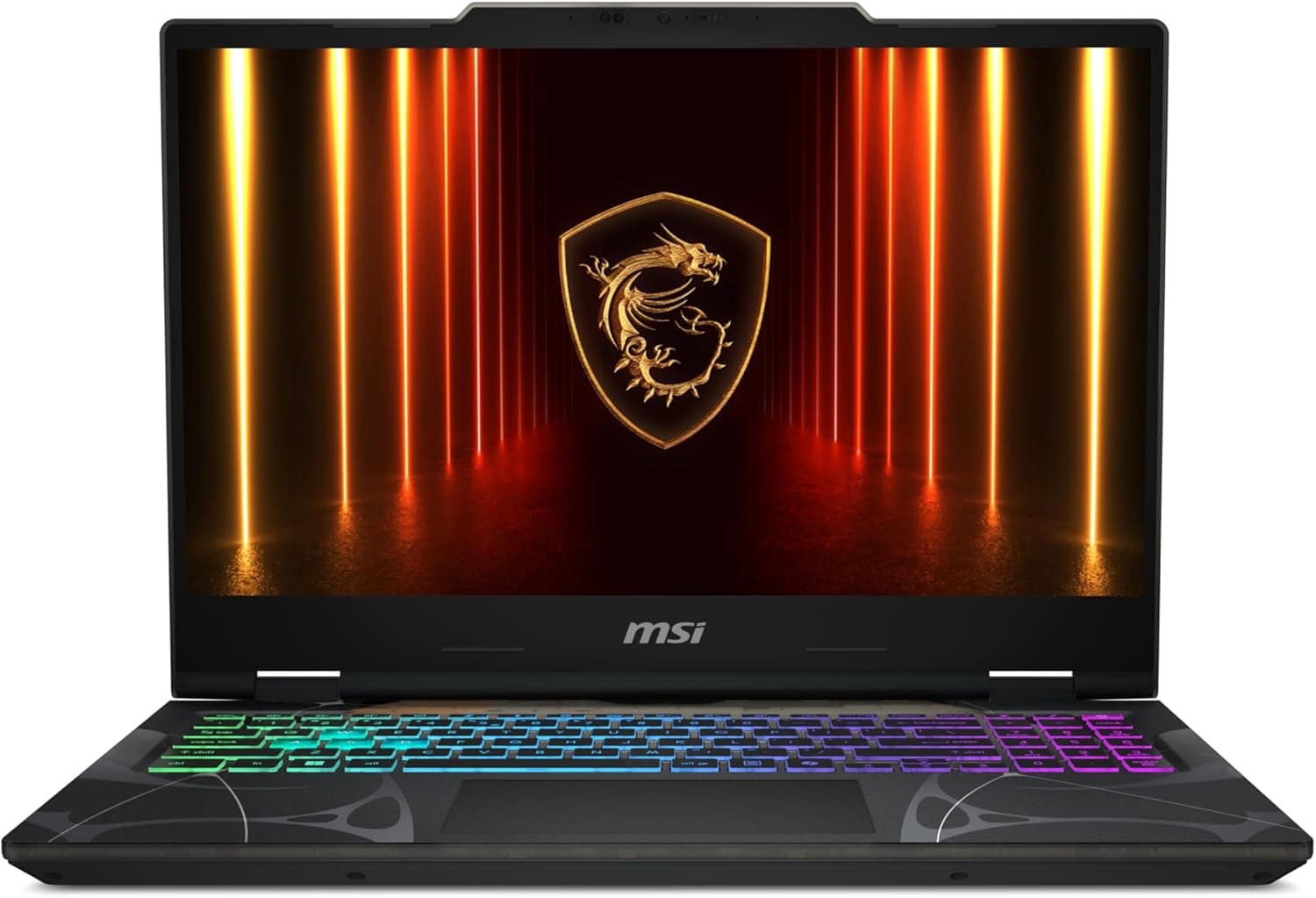
4 Cheapest RTX 5060 Gaming Laptops in 2026
Looking for the cheapest RTX 5060 gaming laptops in 2026? We break down the top 4 budget picks with real specs, honest pros and cons, and who each one is actually for.
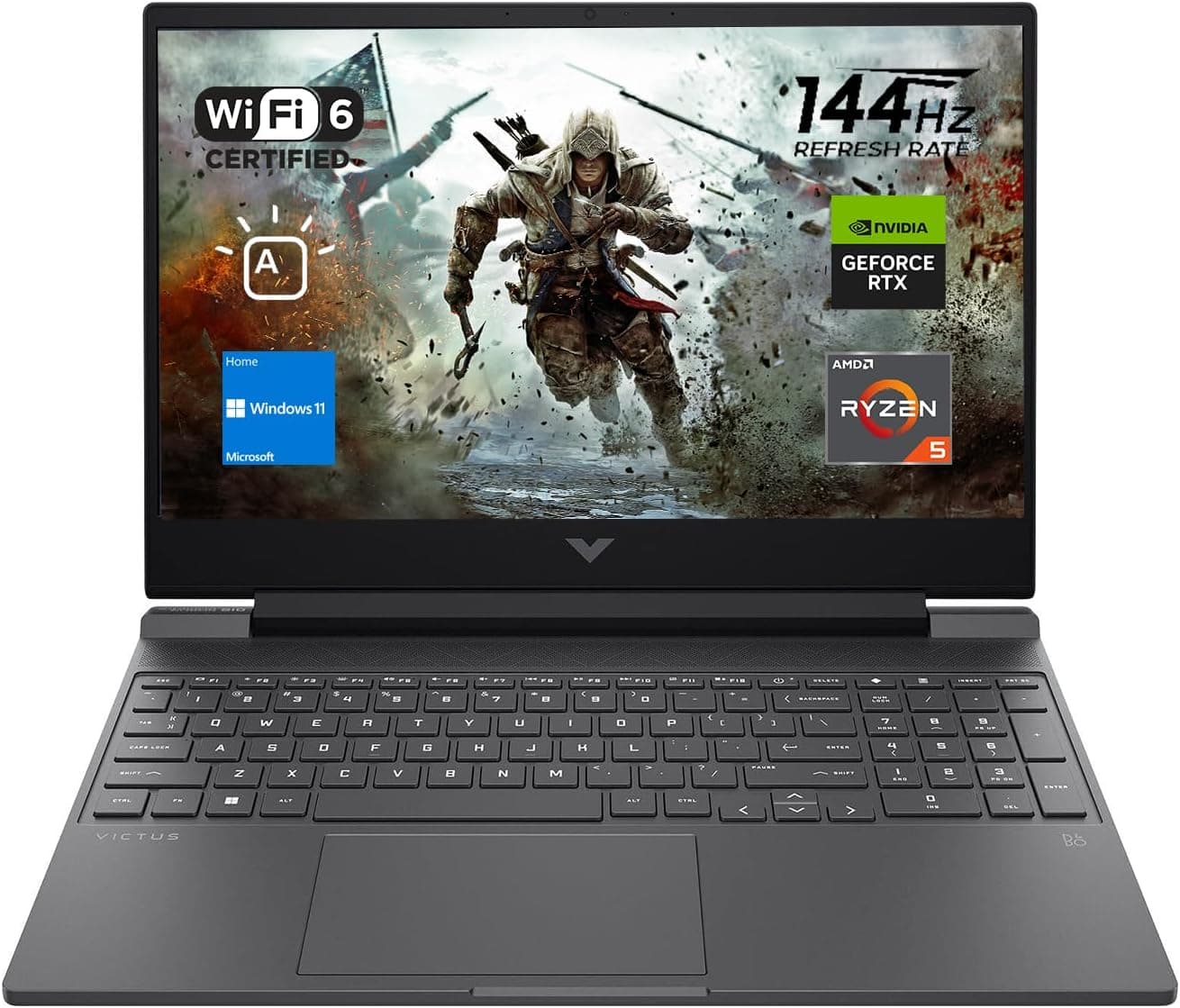
Best Gaming Laptops for College Students Under $1000 in 2026
Buying a gaming laptop for college is different from buying one purely for gaming. A college laptop needs to handle lectures, assignments, research, video calls, and productivity software during the day while still delivering solid gaming performance at night.

Best Games on Steam to Play While Working From Home
Best games on Steam to play while working from home, from cozy builders to smart card games that fit short breaks, easy pauses, and low stress sessions.