
Navigate this article
Introduction
If you’re into tactical shooters like Valorant or CS2, you know how much the right keyboard matters. These days, budget 60% keyboards are seriously impressive, especially now that Hall Effect magnetic switches, rapid trigger, and crazy low latency aren’t just for expensive gear anymore. Here are the best picks under $50, each one brings something different to the table in terms of speed, features, and overall value.
Best Creamy Keyboards in 2026 (Budget to Premium)
Looking for the ultimate smooth and muted typing experience? Explore our comprehensive guide to the best creamy mechanical keyboards available in 2026.
Read article →
1. AULA Win60 HE: The Current King
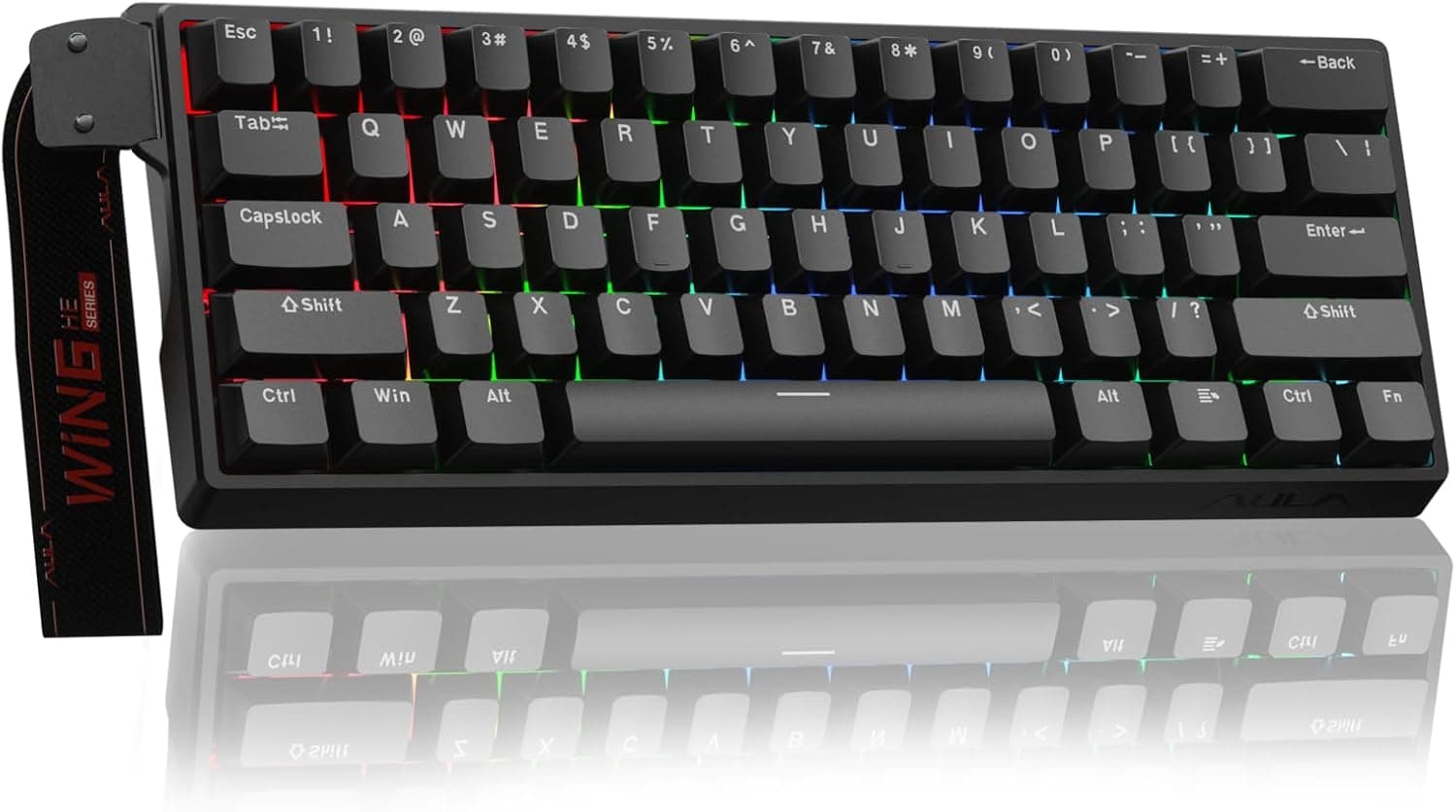
First up, the AULA Win60 HE. It uses Hall Effect magnetic switches for sharp, contactless input, and they’re built to last. You get adjustable actuation, rapid trigger, and a bunch of advanced functions like DKS, SOCD, and MT. Pretty much everything a competitive FPS player could want for full control.
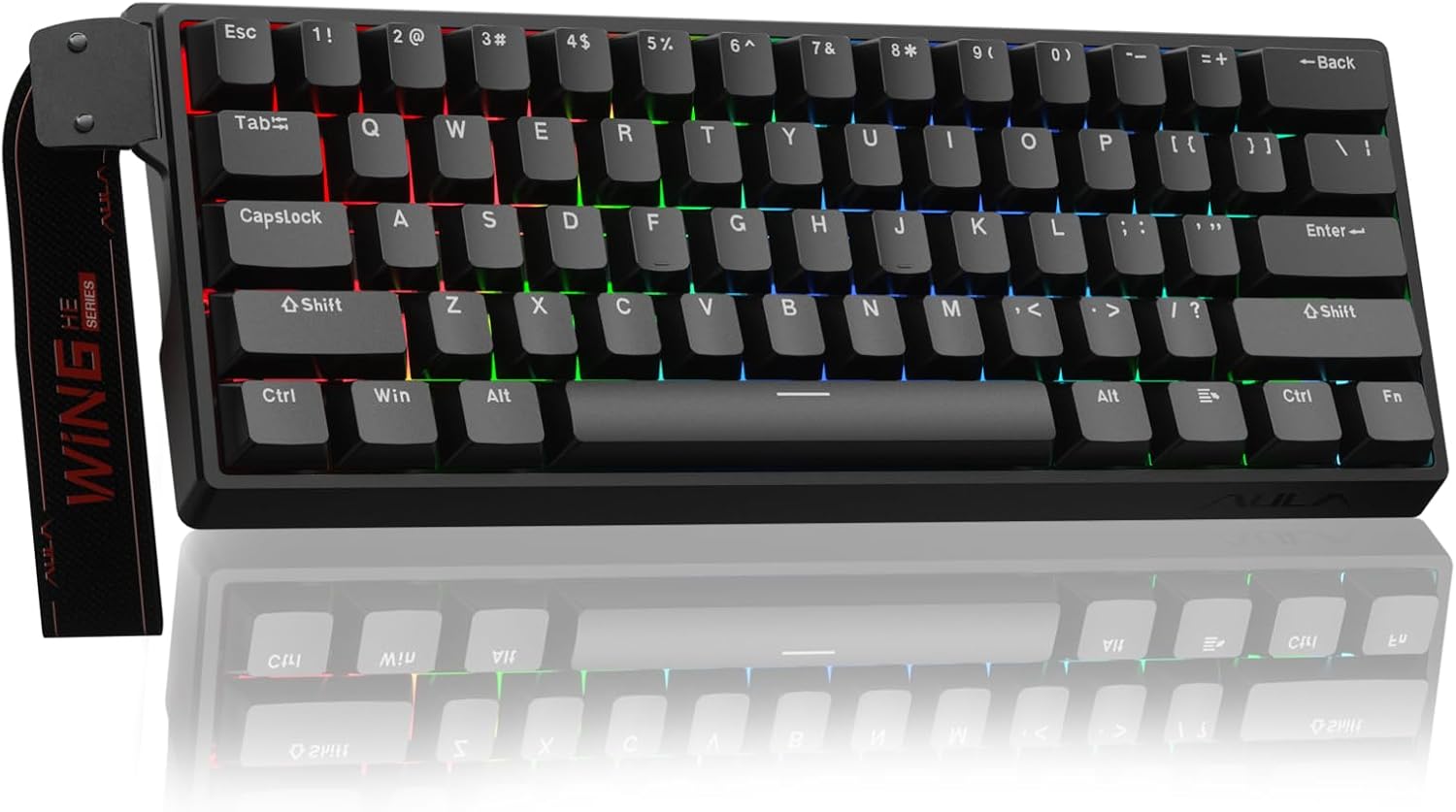
| Feature | Specification |
|---|---|
| Layout | 60% |
| Switch Type | Hall Effect Magnetic |
| Polling Rate | 8000 Hz |
| Rapid Trigger | Yes |
| Adjustable Actuation | Yes |
| Key Features | DKS, MT, TGL, SOCD, RT |
| Connectivity | Wired |
| Backlighting | RGB |
| Special Feature | Real-time switch travel visualization |
Check Out the AULA Win60 HE on Amazon
2. MCHOSE Ace 60 Pro: The Latency Monster
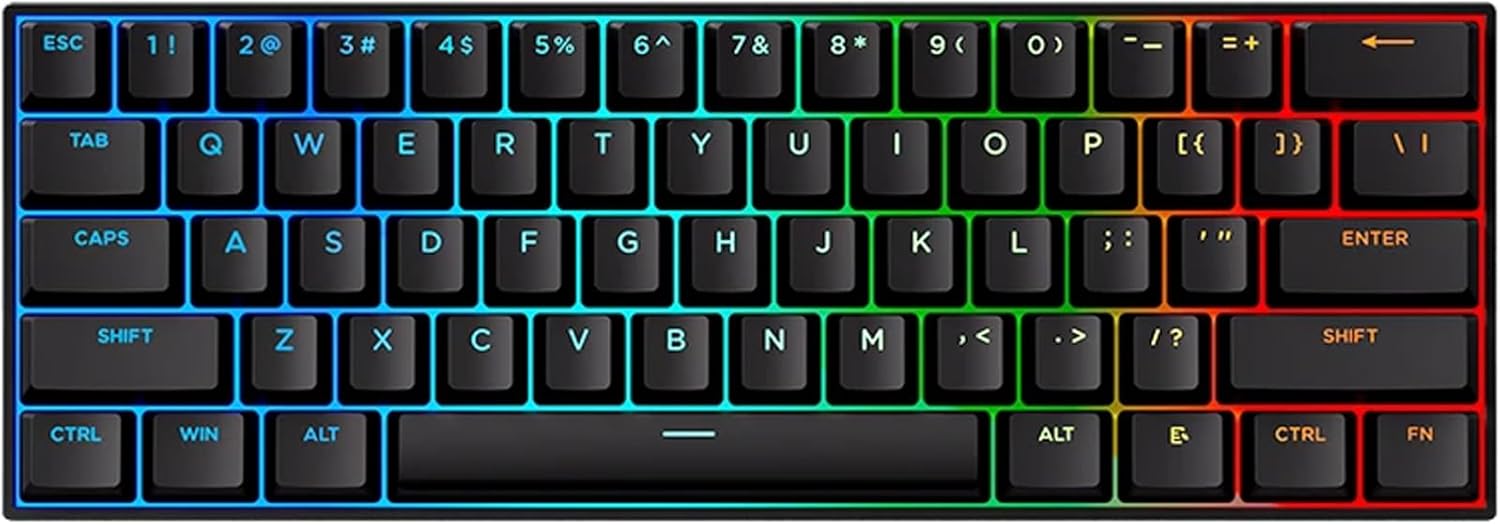
If pure speed is your thing, check out the MCHOSE Ace 60 Pro. It’s seriously fast, with 0.1ms latency, 8K polling rate, and 128K scan rate. The keystrokes are accurate down to 0.01mm, and those dynamic features keep every input feeling crisp. Perfect if you just can’t stand any lag.
| Feature | Specification |
|---|---|
| Model | Ace 60 Pro |
| Switch Type | Blue Ice Magnetic |
| Accuracy | 0.01 mm |
| Actuation Range | 0.01 – 3.4 mm |
| Latency | 0.1 ms |
| Polling Rate | 8000 Hz |
| Scan Rate | 128K Hz |
| Features | RS, SOCD, DKS, MT, TGL, Macros |
| Connectivity | Wired |
| Build | Aluminum plate + silicone dampening |
| Onboard Memory | Yes |
Check Out the MCHOSE Ace 60 Pro on Amazon
3. Attack Shark X68 HE : The Feature-Packed Contender
Then there’s the Attack Shark X68 HE. It’s a bit bigger, with 66 keys and arrow keys, but still compact. You get reliable performance with some premium extras like PBT keycaps and flashy RGB lighting. It’s a solid choice for both gaming and everyday use.
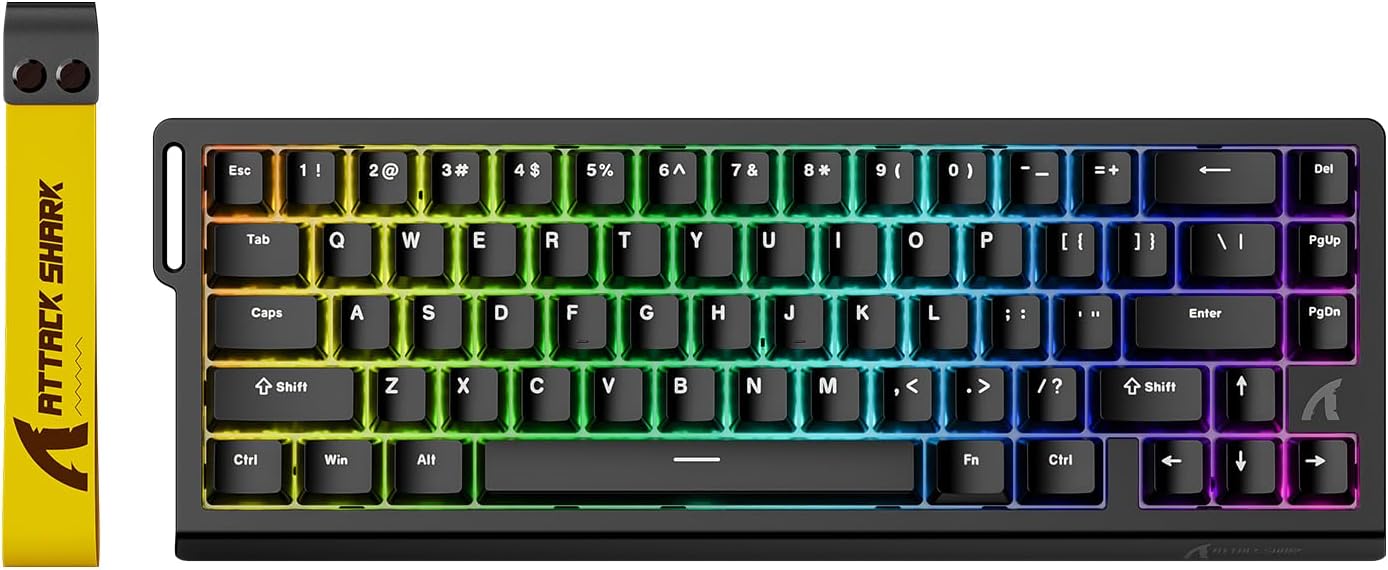
| Feature | Specification |
|---|---|
| Layout | 60% (66 keys with arrows) |
| Switch Type | Outemu Magnetic Amber |
| Actuation Range | 0.1 – 3.4 mm |
| Accuracy | 0.01 mm |
| Polling Rate | 8000 Hz |
| Scan Rate | 128K Hz |
| Keycaps | PBT (Cherry Profile) |
| Backlighting | 16.8M RGB |
| Connectivity | USB-C Wired |
| Software | Web-based (QMK) |
Check Out the Attack Shark X68 HE on Amazon
4. MonsGeek FUN60 Pro: The Premium Heavyweight
The MonsGeek FUN60 Pro pushes the limits of budget keyboards with extremely fine 0.005mm rapid trigger precision and a powerful Cortex-M4 chip. It also supports multiple magnetic switch types, making it one of the most customizable options in this category.
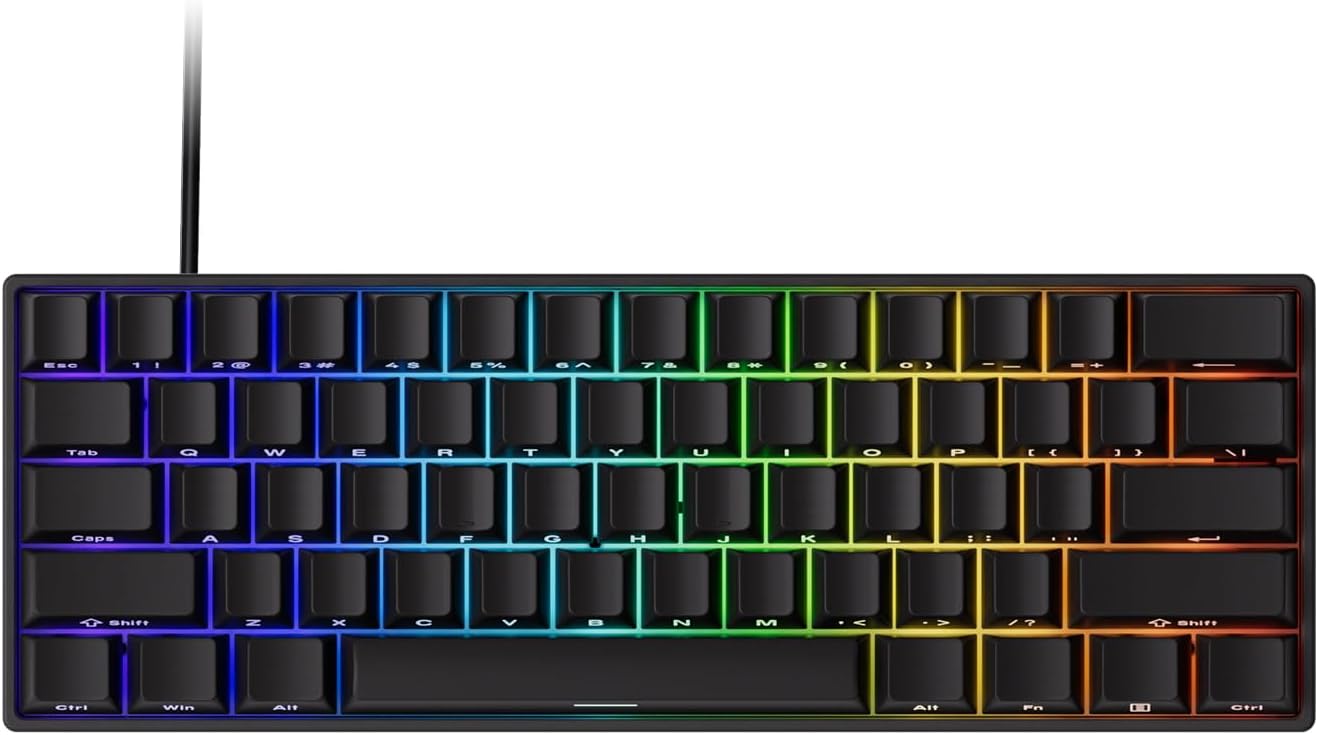
| Feature | Specification |
|---|---|
| Layout | 60% |
| Switch Type | SP Magnetic (Hot-swappable) |
| Rapid Trigger Precision | 0.005 mm |
| Scan Rate | 16K Hz |
| CPU | ARM Cortex-M4 |
| Features | RT, DKS, MT, TGL, Snap Key (SOCD) |
| Connectivity | Wired |
| Software | Web-based driver |
| Special Feature | Multi-switch compatibility |
Check Out the MonsGeek FUN60 Pro on Amazon
5. Redragon K617 HE: The Budget Entry Point
If you're just starting out with Hall Effect keyboards, the Redragon K617 HE is about as affordable as it gets. Sure, it doesn’t have the fancy fine-tuning you find in pricier models, but it still offers rapid trigger and adjustable actuation. That’s enough for most folks who want a good entry-level board for gaming.
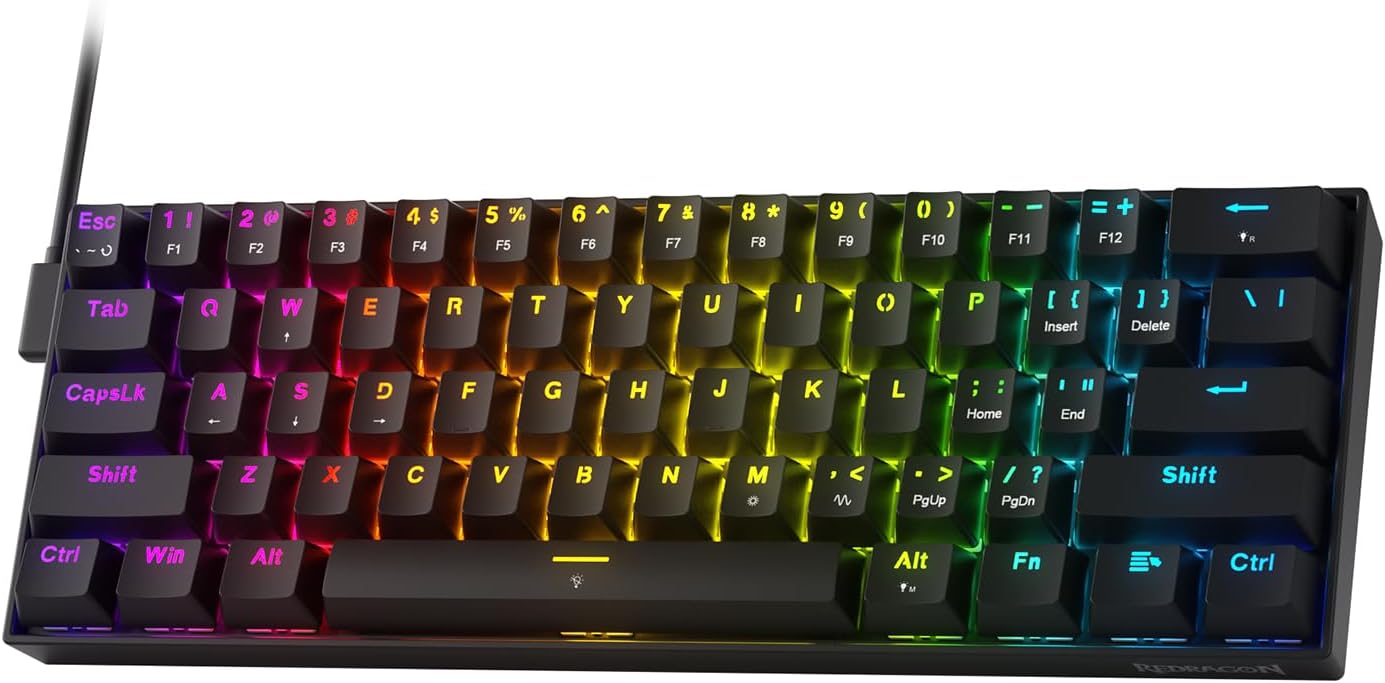
| Feature | Specification |
|---|---|
| Layout | 60% (61 keys) |
| Switch Type | Hall Effect Magnetic (Linear) |
| Connectivity | USB-C Wired |
| Rapid Trigger | Yes |
| Adjustable Actuation | Yes |
| Backlighting | RGB |
| Build | Plastic |
| Compatibility | PC |
Check Out the Redragon K617 HE on Amazon
6. Womier WK61: The Mechanical Purist Option
Now, if magnetic switches aren’t your thing and you want a classic mechanical feel, the Womier WK61 is a solid pick. Its hot-swappable switches and sturdy build give you a satisfying typing experience. Perfect for anyone who cares more about the feel than raw speed.
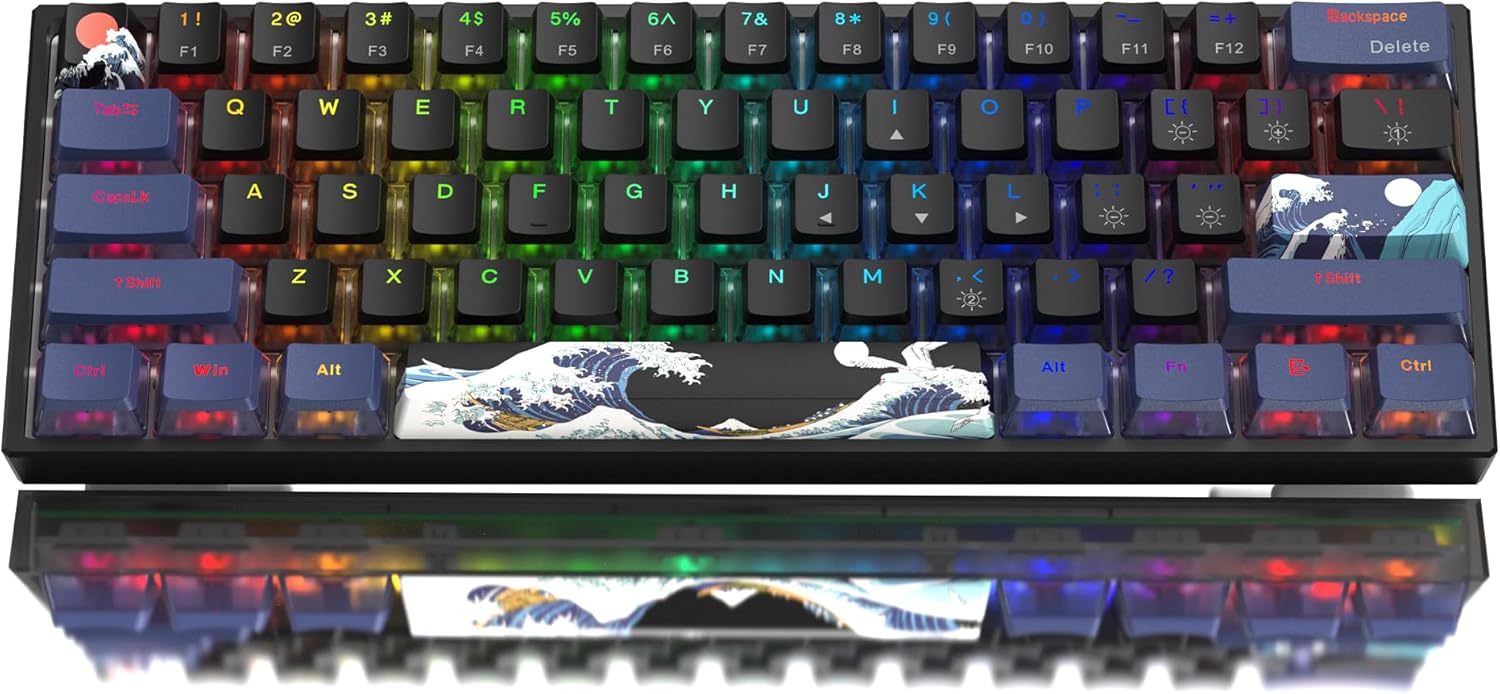
| Feature | Specification |
|---|---|
| Layout | 60% (61 keys) |
| Switch Type | Mechanical (POM Linear Red) |
| Connectivity | USB-C Wired |
| Hot-Swappable | Yes |
| Backlighting | RGB |
| Keycaps | PBT |
| Build | Plastic |
| Compatibility | PC |
Check Out the Womier WK61 on Amazon
Why the 60 Percent Layout Dominates Esports
Before we talk about magnetic switches and sensor latency, we need to talk about physical size. If you look at the desks of professional esports players in 2026, you will notice an overwhelming trend. The massive full size keyboards equipped with dedicated macro keys, media wheels, and chunky numpads are almost entirely gone.
They have been replaced by tiny rectangles that look like they are missing half of their keys. These are 60 percent keyboards, and they are the undisputed kings of tactical shooters.
A standard 60 percent keyboard removes the top function row, the navigation cluster, the dedicated arrow keys, and the numpad. It leaves you with exactly what you need to play the game and type messages to your team. Most of these models include exactly 61 keys.
Why is this drastic reduction in size so important for games like Valorant and Counter Strike 2? The answer comes down to desk space and shoulder ergonomics.
To hit precise headshots consistently, the vast majority of high level players use a very low mouse sensitivity. Low sensitivity requires massive physical arm movements across a huge mousepad. If you have a full size keyboard sitting on your desk, your mouse hand is eventually going to smash directly into the plastic side of your keyboard during a fast flick shot.
By chopping off the right side of the keyboard, you bring your hands much closer together. This puts your shoulders in a significantly more natural, ergonomic resting position. You gain incredible amounts of horizontal swiping real estate for your mouse. You never have to worry about slamming your mouse into your numpad when you are frantically trying to turn around to shoot a flanking enemy.
Of course, losing dedicated arrow keys and a function row takes a bit of a mental adjustment. You access those missing keys by holding down a function modifier key, which acts exactly like holding the shift key to type capital letters. It sounds slightly intimidating at first, but your muscle memory adapts incredibly fast. Most gamers find that they stop missing the dedicated keys within a single week of use, and the massive boost in physical comfort makes the transition entirely worth the effort.
Understanding the Hall Effect Sensor Magic
The elimination of debounce delay is great, but the real magic of Hall Effect sensors is the ability to create adjustable actuation points.
With a standard mechanical keyboard, the actuation point is permanently fixed. The key always activates when you press it down exactly two millimeters. You cannot change this physics limitation without desoldering the switch and buying a completely different type of switch.
With a magnetic keyboard, you have the power to change the rules of physics through software. You can tell the keyboard to register a keypress the moment the key moves a microscopic fraction of a millimeter.
For a game like Valorant, you can set your primary WASD movement keys to a highly sensitive 0.1 millimeter actuation point. The absolute instant you twitch your finger, your character immediately starts moving on screen.
Conversely, you can set your ultimate ability key or your grenade key to a very deep 3.0 millimeter actuation point. This ensures you never accidentally waste your most important ability by nervously brushing the wrong key in a chaotic firefight. This granular, per key customization gives you total absolute control over your peripheral.
Rapid Trigger and the Art of Counter Strafing
Adjustable actuation is a fantastic feature, but Rapid Trigger is the undeniable reason you are buying a magnetic keyboard for tactical shooters.
In games like Counter Strike 2 and Valorant, your weapon bullets are wildly inaccurate if you are moving while shooting. To shoot with any degree of accuracy, you must let go of the movement key and wait for your character model to come to a complete physical stop.
With a traditional mechanical keyboard, the physical key has to travel all the way back up past a fixed, predetermined reset point before the game engine realizes you have let go. This upward travel takes physical time, and in a game where time is measured in strict milliseconds, that physical key travel gets you killed.
Rapid Trigger changes the gaming experience entirely. Because the magnetic sensor tracks continuous downward and upward movement, the software can reset the key the exact microsecond it detects an upward motion. It does not matter if the key is pressed all the way to the bottom of the board or hovering near the top. The moment you start lifting your finger, the key deactivates.
When you combine a shallow 0.1 millimeter actuation point with a 0.1 millimeter Rapid Trigger reset point, your character movement feels genuinely telepathic. You stop instantly. Your counter strafing becomes razor sharp. Your jiggle peeks become incredibly fast and incredibly difficult for the enemy to track.
This is not a corporate marketing gimmick designed to sell you useless features. It is a measurable, physical advantage that fundamentally changes how you play the game.
The 8000Hz Polling Rate Reality Check
As you shop for budget gaming keyboards in 2026, you will see the phrase 8000Hz polling rate plastered across almost every single product page.
Polling rate is simply a measurement of how many times per second the keyboard sends input data to your computer via the USB cable. A standard office keyboard polls at 125Hz. A standard gaming keyboard polls at 1000Hz. These new budget magnetic boards are aggressively pushing 8000Hz.
But does this massive number actually matter for your gameplay? The honest, technical answer is highly nuanced and depends heavily on your current computer hardware.
A 1000Hz polling rate means the keyboard updates the computer every single millisecond. An 8000Hz polling rate means the keyboard updates the computer every 0.125 milliseconds. While that looks like a massive improvement on paper, you have to seriously consider how your game engine actually processes that incoming data.
In competitive shooters, input processing is directly tied to your computer frame rate. If your older computer can only render the game at 100 frames per second, the game engine is only checking for new keyboard inputs 100 times a second. In this scenario, plugging in an 8000Hz keyboard does absolutely nothing to improve your in game performance. The keyboard is screaming data at your computer, but the game engine is simply not listening fast enough to care.
Furthermore, an 8000Hz polling rate requires your computer processor to handle 8000 USB interrupts every single second. If you have a budget processor, this constant interruption can actually lower your frames per second, creating micro stutters that actively hurt your gameplay.
However, if you have a top tier modern gaming rig pushing 500 frames per second on a 360Hz monitor, that higher polling rate actually starts to shine. It heavily reduces input variance and ensures that your physical finger movements perfectly align with the visual frames being rendered on your screen.
The bottom line on massive polling rates is simple. Do not buy a budget keyboard solely because it says 8000Hz on the packaging. Consider it a nice bonus feature, but always prioritize switch quality, acoustic build materials, and software reliability above all else.
Best Wireless Mechanical Gaming Keyboards on Amazon 2026
Looking for a wireless mechanical keyboard? Check out our top picks for 2026.
Read article →Best Budget "Thocky" Mechanical Keyboards (UNDER 70 $) in 2025
Looking for that deep, satisfying "thock" without spending hundreds? This guide breaks down the best options.
Read article →Best Budget Low Profile Mechanical Keyboards in 2026
Looking for a slim, ergonomic, and affordable mechanical keyboard? Check out our top picks for the best budget low-profile boards in 2026.
Read article →Best Budget Hall Effect Keyboards in 2026 (Under $50)
Discover the best budget Hall Effect keyboards under fifty dollars in 2026. Read our honest, in depth analysis of performance, build quality, and software features of the top six magnetic switch boards.
Read article →Final Thoughts on Your Next Upgrade
Choosing the absolute right keyboard from this extensive list depends entirely on what you personally prioritize as a competitive gamer.
If you want the absolute safest bet that balances incredible acoustic performance with highly reliable web software, the AULA Win60 HE is the undisputed champion of this specific price bracket. It feels remarkably premium straight out of the box and requires absolutely zero tinkering to get top tier performance.
If you are a competitive purist who only cares about raw data, the lowest possible latency, and the sharpest possible response times, the MCHOSE Ace 60 with its custom high frequency processing chip will give you a microscopic but measurable advantage in high level aim duels.
If you know deep down that giving up your arrow keys will ruin your daily productivity, the Attack Shark X68 HE bridges the gap perfectly. It offers the immense power of magnetic sensors in a slightly larger footprint that respects your need for physical navigation keys.
If you are a very heavy handed typist who wants maximum structural rigidity and thoughtfully demagnetized stabilizers, the MonsGeek FUN60 Pro provides the heaviest, most stable typing platform available on a tight budget.
If you are scrounging for every single penny and just want to experience the magic of Rapid Trigger without skipping a meal, the Redragon K617 will confidently get you into the game, provided you are willing to fight with its clunky software for a few minutes.
Your keyboard is your primary physical interface with the digital world. In tactical games like Valorant and Counter Strike 2, it acts as the literal steering wheel of your character. Moving from a mushy, delayed membrane board to a hyper responsive magnetic sensor is a hardware upgrade you will feel immediately on your very first strafe. Pick the board that fits your budget, dial in your custom actuation points, and start winning your aim duels.
Frequently Asked Questions
Do I really need a magnetic keyboard for Valorant? No, you do not absolutely need one to be a good player or to reach a high rank. However, the technology provides a highly measurable physical advantage. Rapid Trigger allows you to stop moving and stabilize your weapon crosshair slightly faster than a player using standard mechanical switches. At higher competitive ranks where fights are decided by mere milliseconds, that slight mathematical advantage becomes incredibly valuable.
Will an 8000Hz polling rate automatically improve my aim? Only if your computer processor and monitor can actually handle it. Polling rate simply dictates how often the keyboard talks to your computer. If you have a massive frame rate and a high refresh rate gaming monitor, 8000Hz will make your inputs feel incredibly smooth and responsive. If you play on an older computer that struggles to maintain steady frames, the game engine cannot process the inputs fast enough, rendering the massive 8000Hz polling rate essentially useless.
What is the exact difference between a 60 percent and a TKL keyboard? A Tenkeyless board simply removes the right side numpad but keeps the arrow keys and the top function row completely intact. A 60 percent board takes the size reduction a step further, chopping off the arrow keys and the entire function row as well. This ultra compact size provides maximum desk space for your mouse, but requires you to use combination key presses to access missing functions.
Can I change the switches on a budget Hall Effect keyboard? It depends entirely on the specific manufacturer. Magnetic switches do not use standard metal pins like regular mechanical switches. You cannot simply put a standard Cherry MX mechanical switch into a Hall Effect keyboard. Some modern brands, like MonsGeek, allow cross compatibility with other specific third party magnetic switches. Always check the specific keyboard manual online before attempting to buy replacement switches.
Are web based drivers actually safe to use? Yes, they are generally considered much safer and significantly less intrusive than traditional downloadable software. Because they operate entirely through your web browser, they are heavily restricted by standard browser security protocols. They do not run silently in your background, they do not consume system memory while you are gaming, and they cannot easily dig into your private operating system files.
What actuation depth should I use for tactical shooters? Most competitive players set their primary movement keys to a very shallow depth, usually somewhere between 0.1 millimeters and 0.4 millimeters. This ensures instant responsiveness when trying to dodge enemy fire or peek an angle. However, for ultimate abilities or grenade keys, it is highly recommended to set a much deeper actuation point, around 1.0 millimeter to 2.0 millimeters. This simple trick heavily prevents you from accidentally wasting a crucial cooldown if your finger lightly brushes the wrong key during a chaotic firefight.
Disclosure: Some of the links in this post are affiliate links. This means if you click on them and make a purchase, we may earn a small commission at no extra cost to you. As an Amazon Associate, I earn from qualifying purchases.
You May Also Like
Best Gaming Laptops for College Students Under $1000 in 2026
Buying a gaming laptop for college is different from buying one purely for gaming. A college laptop needs to handle lectures, assignments, research, video calls, and productivity software during the day while still delivering solid gaming performance at night.

Best Games on Steam to Play While Working From Home
Best games on Steam to play while working from home, from cozy builders to smart card games that fit short breaks, easy pauses, and low stress sessions.
Best Budget Hall Effect Keyboards in 2026 (Under $50)
Discover the best budget Hall Effect keyboards under fifty dollars in 2026. Read our honest, in depth analysis of performance, build quality, and software features of the top six magnetic switch boards.